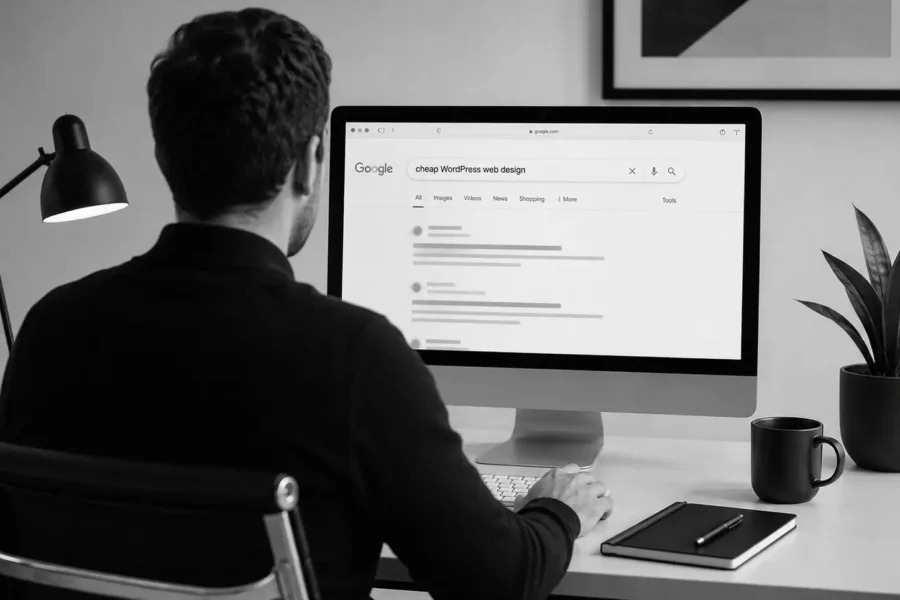
Pricing is one of the first things most businesses consider when they need a new website. Business owners, managers, and marketing teams often search Google or ask AI for terms like “cheap website design” or “cheap WordPress web design” because they want to find a provider that can help them build a website at a reasonable cost.
That is completely understandable. Cost is always an important factor, and most businesses need to compare options carefully before making a final decision. Not every company has a large website budget from the beginning, especially startups, small businesses, personal brands, or companies that need a quick website to introduce their services.
As more businesses recognize the convenience and flexibility of WordPress, many choose it as their website platform. So when they see cheap WordPress web design packages being promoted with fast timelines, low prices, and ready-made layouts, it can feel like a very reasonable choice.
But the real question is: does a low upfront cost actually save money in the long run?
Let’s explore this with Align: Is cheap WordPress web design truly right for your business? What risks should you be aware of? When does a low-cost option make sense? And when should you invest in a more strategic, professional website?
So, Should You Choose Cheap WordPress Web Design?
You can, but only if your business goals and needs are very basic. Cheap WordPress web design may be enough if your website is not a key sales channel, does not need long-term SEO, does not require custom UX/UI, has no complex security needs, and you clearly understand the limits of a low-cost package.
However, if your website plays an important role in your business strategy, including marketing, SEO, lead generation, or brand building, you should be more careful with cheap WordPress web design packages. A website built quickly from a ready-made WordPress template can help you get online, but it may not help you build trust, increase conversions, or support long-term growth.
| Criteria | Cheap WordPress Website | Strategic WordPress Website |
|---|---|---|
| Goal | Get online quickly at a lower cost | Build a long-term digital foundation |
| Design | Often uses ready-made templates | Custom design based on brand, UX/UI, and goals |
| Content | Often copied, pasted, or lightly edited | Written around user journey and SEO intent |
| SEO | Usually limited to basic plugin setup | Includes sitemap, keywords, on-page SEO, and technical SEO |
| Speed | May not be deeply optimized | Tested for performance and Core Web Vitals |
| Security | Often overlooked or lightly configured | Includes backup, updates, and security setup |
| Scalability | Limited if the initial structure is weak | Easier to add landing pages, blog posts, and service pages |
| Long-term cost | Can create many unexpected costs | Clearer when scope and process are well defined |
Choosing between cheap WordPress web design and a custom website depends on each business model, goal, and need. But if the decision is based only on price while ignoring strategy, UI/UX, security, SEO, and responsiveness across devices, the website can quickly become an ineffective investment.
Why Is Cheap WordPress Web Design So Appealing to Businesses?
Cheap WordPress web design is attractive because it solves a very real business concern: budget.
Many new businesses do not have many resources. They need a website to share with customers, print on business cards, run ads, publish company information, or build a basic online presence and initial trust. When they find a website provider with a low price, fast turnaround, and a design that looks “good enough,” it is easy to say yes right away.
WordPress also has a large ecosystem of themes, plugins, and builders that can make website creation faster. Because of this, many people assume that building a WordPress website is simply a matter of buying a theme, replacing the logo, changing the colors, adding content, and going live.
For some situations, this can work. It may be enough for an individual who only needs a simple portfolio, a small event that needs a temporary information page, or a new business that needs an MVP website to test the market.
However, problems start when a business expects a low-cost WordPress website to do everything: look custom, support SEO, load quickly, scale easily, stay secure, follow a content strategy, create a strong user experience, and help convert visitors.
Below are the key risks businesses may face when choosing a cheap WordPress website without thinking about the long-term strategy.
Risk 1: The Website Looks Like a Template and Does Not Reflect the Brand
One of the most common risks of cheap WordPress web design is that the website ends up looking like many other websites.
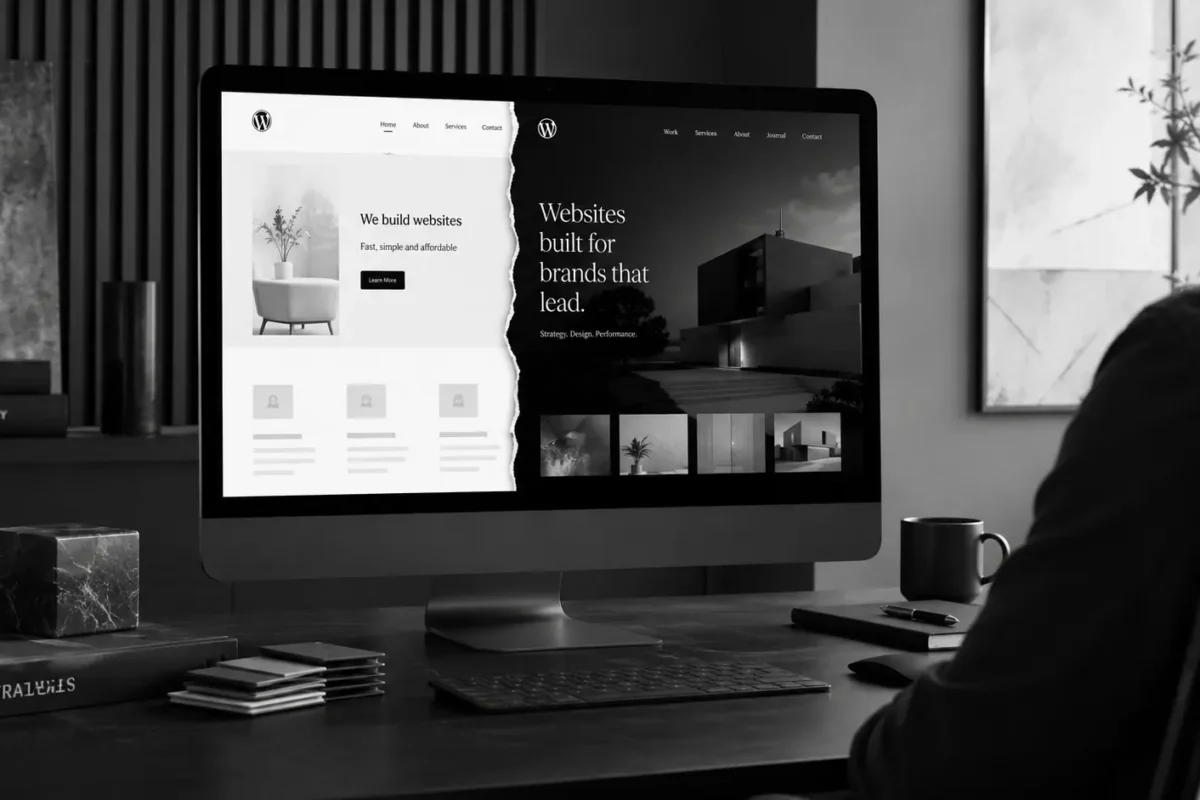
This often happens when the site is built from a ready-made theme and only the logo, colors, images, or a few lines of text are changed. At a basic level, the website may look “nice.” But when placed next to other websites, it can feel generic and lack a clear brand personality.
For businesses, this is much bigger than a design issue. Your website is one of the first touchpoints customers use to judge whether your company feels professional, trustworthy, and different from competitors. If the website does not reflect your positioning, services, brand voice, and customer experience, users may not understand why they should choose you over someone else.
A strong website should begin with brand direction. Color, typography, layout, imagery, icons, CTAs, and content should all work together to tell a clear brand story.
This is why Align’s Website Process does not rely on ready-made “instant noodle” WordPress templates for client websites. Each business receives a tailored design direction, a distinct stylescape, and careful UX/UI thinking so the website aligns with the brand, communicates the right story, and speaks to the right audience.
Risk 2: The Website Structure Does Not Support Long-Term SEO
Think of building a website like building a house. Many cheap WordPress web design packages are like building a basic house with a simple foundation. From the outside, people can tell that it is a new house. But for that house to stay strong through rain, wind, and storms, it needs a solid internal foundation.
The same applies to websites. A strong SEO foundation is one of the core parts of a professional website.
An SEO-friendly website is not created just by installing plugins like Rank Math, Squirrly SEO, or Yoast. SEO needs to be planned through sitemap, page hierarchy, keyword intent, heading structure, internal links, URLs, metadata, image optimization, page speed, and content strategy.
Google Search Central explains that SEO helps search engines understand website content and helps users find relevant content through Search
. If the website has weak structure, thin content, poor headings, unclear URLs, or no internal linking, an SEO plugin cannot solve the whole problem by itself.
A cheap WordPress website may have SEO issues such as:
- No keyword research before content writing
- Unclear sitemap
- Service pages that combine too much information in one place
- H1, H2, and H3 headings used without logic
- Weak meta titles and meta descriptions
- Images without alt text
- Long or unfriendly URLs
- No blog or content hub
- No internal links between important pages
- Poor page speed optimization
When a website does not have a strong SEO foundation from the start, the business may need to fix many issues later. In some cases, the cost of fixing SEO problems can be higher than doing it properly from the beginning.
Risk 3: The Website Is Slow Because of Heavy Themes and Too Many Plugins
WordPress is very flexible, but it can also become slow if the website uses a heavy theme or too many plugins.
Many low-cost websites are built with multipurpose themes, heavy page builders, unnecessary effects, and many plugins for small features. At first, the website may look good. But over time, loading speed can become a serious issue.
Page speed directly affects user experience. If a website loads slowly, visitors may leave before reading the content or filling out a form. Google PageSpeed Insights also provides performance metrics that evaluate factors affecting user experience, including loading speed and responsiveness [2].
A slow WordPress website can be caused by:
- Themes with too many unused features
- Too many unnecessary plugins
- Large, unoptimized images
- Poor cache setup
- Unoptimized code
- Weak hosting
- Too many fonts and scripts
- No performance testing on mobile
A beautiful website that loads slowly is still a weak website. This is especially important if your business runs ads, because every extra second of load time can affect conversions and lead costs.
Risk 4: The Website Is Hard to Edit After Launch
One reason many businesses choose WordPress is because they want to manage content more easily. But not every WordPress website is actually easy to edit.
If a website is built quickly, lacks clear structure, uses a complicated builder, or has custom sections without proper documentation, the internal team may struggle to update content. Every time they need to change an image, add a section, update a CTA, or create a new page, they may still need developer support.
This goes against one of the biggest benefits of WordPress.
A good WordPress website should be built so the team can manage basic content after launch. Not everyone needs to edit the full layout, but content such as blog posts, images, service information, CTAs, forms, testimonials, and contact details should be organized in a clear and manageable way.
In Align’s Website Process, handover and website guidebook are important parts of the project. They help clients understand how to manage the website after launch instead of depending completely on an agency for every small update.
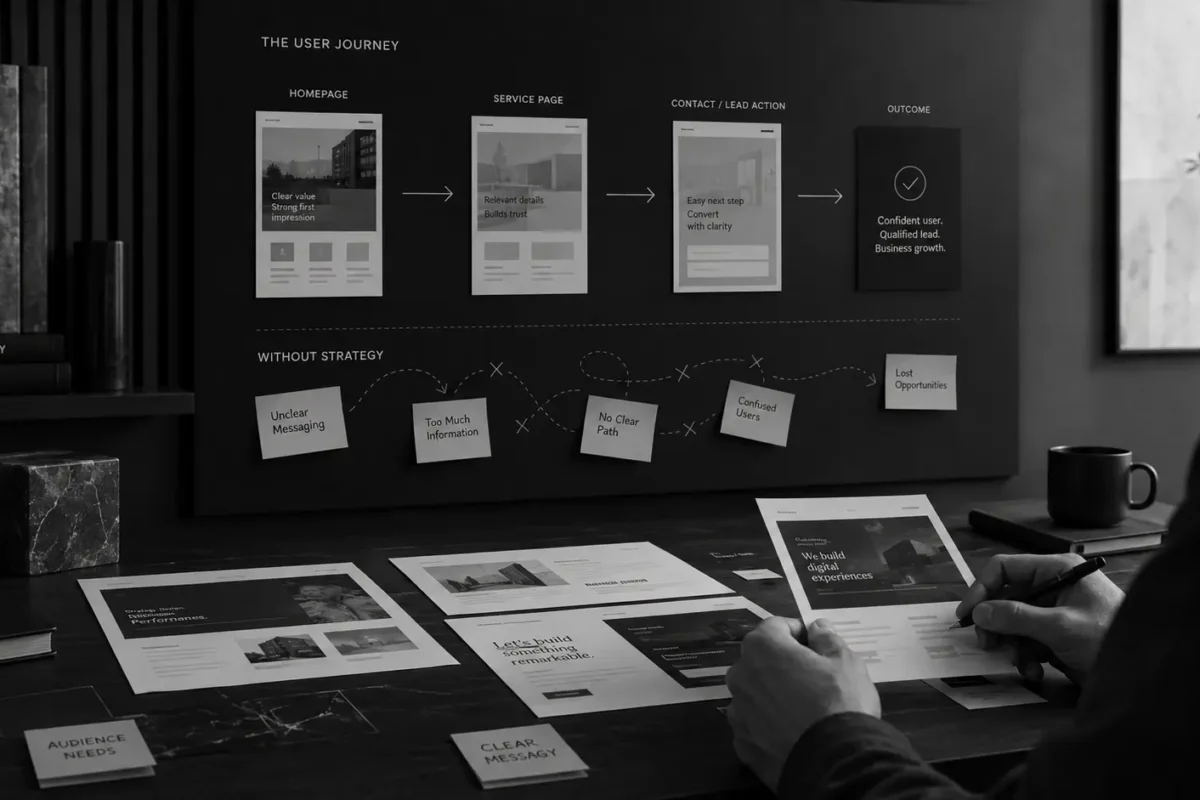
Risk 5: The Website Lacks Content Strategy and User Journey
A website does not only need to look good. It needs to guide users in the right direction.
A cheap website often skips content strategy and user journey planning. Content may be copied from a company brochure, pulled from an old website, or written quickly just to fill the layout. But online users do not read websites the same way they read a company profile. They scan quickly, compare options, and need to see the right information at the right time.
If the content is not organized around the user journey, the website may face problems such as:
- The homepage does not clearly explain what the business does
- Service pages lack benefits and useful details
- CTAs are not visible enough
- Users do not know what to do next
- Content feels too generic
- There is no trust-building proof
- Key questions are not answered before users contact the business
A strong website needs a clear content structure. Users should quickly understand who you are, what problem you help them solve, why they should trust you, what your services include, and what they should do next.
A cheap website can help a business appear online. A strategic website helps the business be understood, trusted, and chosen.
Risk 6: Security and Maintenance Are Treated as an Afterthought
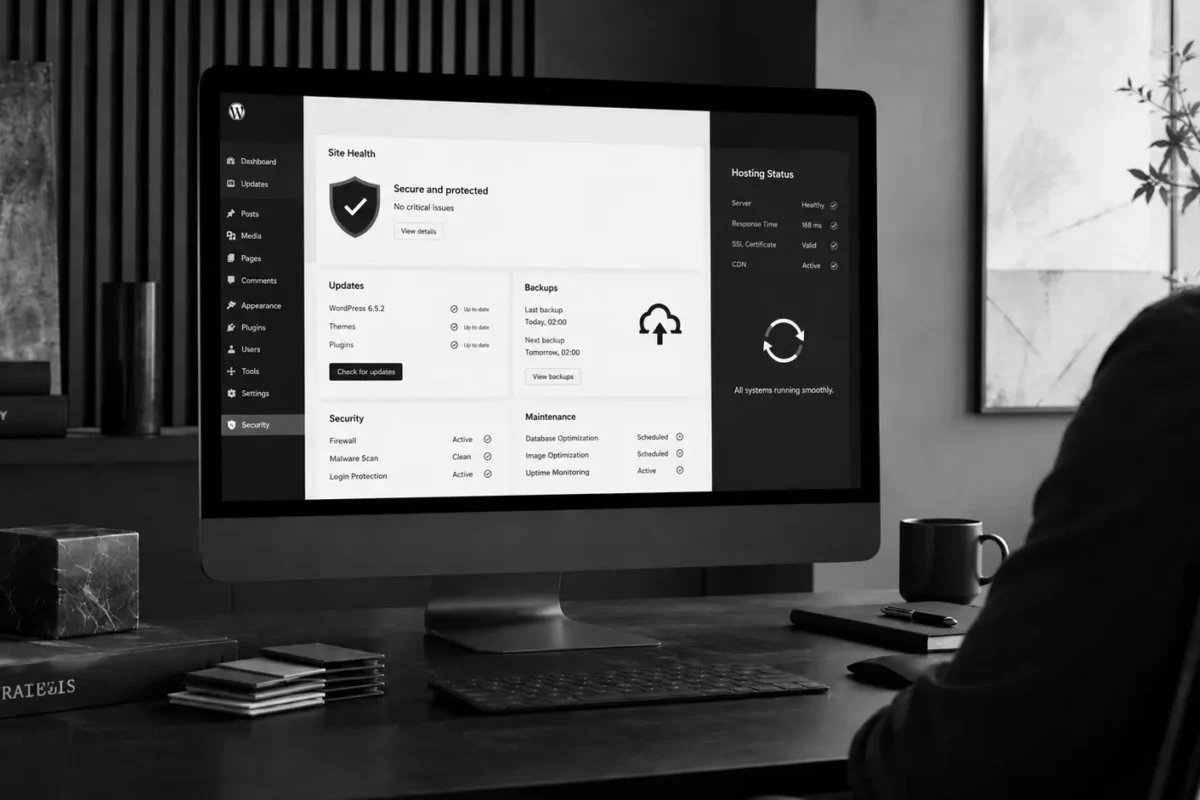
WordPress is a popular platform, which means security and maintenance should never be ignored.
Some cheap WordPress web design packages focus only on handing over the website and do not clearly explain updates, backups, security plugins, user roles, hosting, SSL, or what happens when something breaks. This can leave the business in a reactive position after launch.
WordPress Developer Resources recommends that website optimization and administration should include performance, plugins, and system maintenance considerations [3]. If plugins are not updated, the theme becomes outdated, or backups are not scheduled, the website can face security risks, display issues, or data loss.
A professional WordPress website should include:
- SSL certificate
- Scheduled backups
- Carefully selected plugins
- Updated theme and plugins
- Clear user roles
- Basic security setup
- Stable hosting
- A process for checking the website after updates
- Handover documentation after launch
Security is not something to add only “if there is time.” For a business website, it is part of the foundation.
Risk 7: Hidden Costs Can Be Higher Than Expected
A cheap website is attractive because the upfront cost is low. But businesses need to consider the total cost of ownership, not just the initial website fee.
Hidden or future costs may include:
- Premium plugin purchases
- Changing the theme because the old one is not flexible enough
- Fixing website speed
- Rewriting SEO-friendly content
- Re-optimizing mobile experience
- Fixing responsive issues
- Rebuilding the sitemap
- Setting up tracking and analytics
- Upgrading hosting
- Fixing security issues
- Redesigning the website again after a short time
If the original website is not built properly, the business may end up paying multiple times to fix problems that could have been avoided from the beginning.
Cheap WordPress web design can work if you understand its limitations. But if you choose it thinking it can fully replace a professional website, the risk of unexpected costs is much higher.
When Should a Business Invest in a More Strategic Website?
A business should invest in a more strategic website when the website plays an important role in marketing, sales, SEO, or brand building.
You should consider a more professional solution if your business needs a website with the following:
- The website is a main lead generation channel
- You want to build long-term SEO
- You need the website to clearly express the brand
- You have multiple services or audience groups
- You need landing pages for campaigns
- You want your team to manage content after launch
- You need a fast, stable, and responsive website
- You want to integrate forms, CRM, tracking, or analytics
- You are redesigning an old website because it is underperforming
- You do not want to rebuild the website again after a few months
In these cases, Align’s advice is simple: choose the option that will serve your business best in the future, not just the option that feels cheapest today. Do not treat the website as a small expense just to “have something to show clients.” A website can be a channel worth investing in when it supports sustainable, long-term value for the business.
What Should a Professional WordPress Website Include?
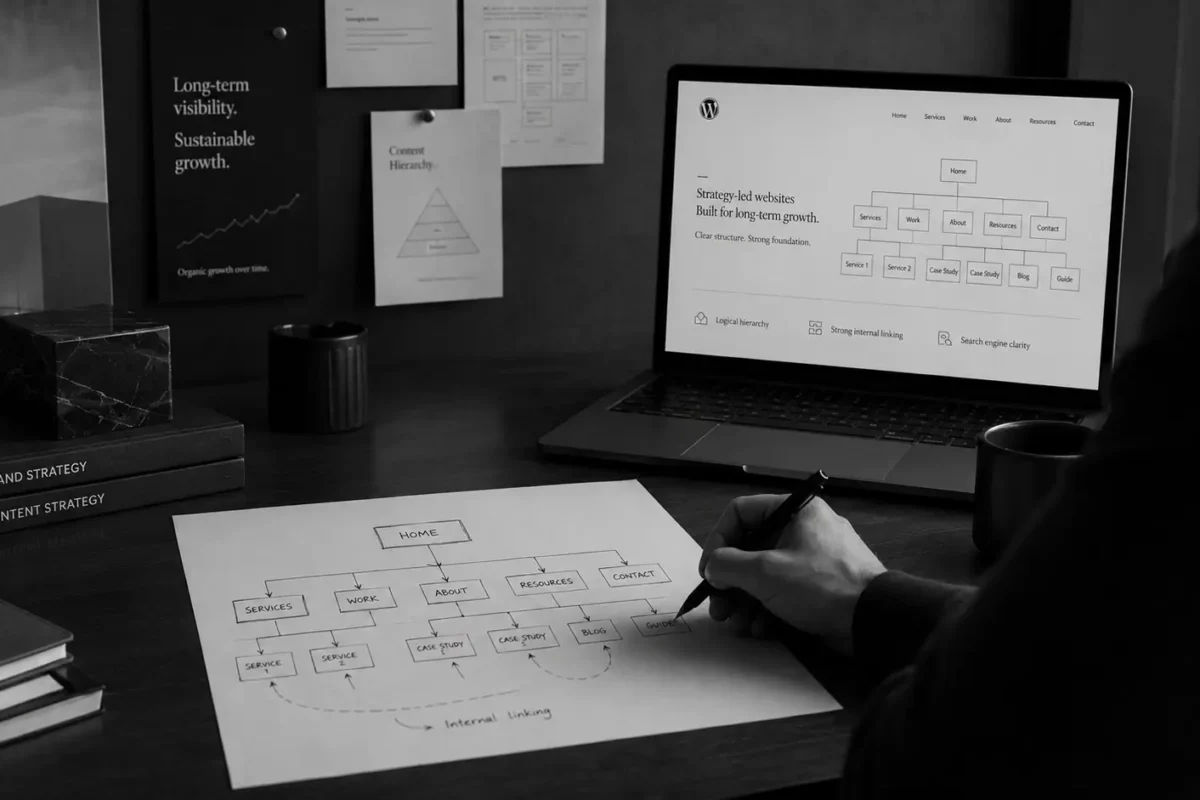
A professional WordPress website does not need to be overly complicated. But it should be strategic, structured, and built for growth.
| Item | Why It Matters |
| Brand discovery | Understands the business, goals, customers, and competitors |
| Sitemap | Organizes the website structure clearly |
| Wireframed content | Plans content before design to avoid disconnected layouts |
| SEO research | Defines keywords, search intent, and page priorities |
| UX/UI design | Creates an experience aligned with users and the brand |
| Responsive development | Ensures the website works across desktop, tablet, and mobile |
| Technical SEO | Supports crawling, indexing, metadata, and performance |
| Content management | Helps the team update content after launch |
| Website guidebook | Guides clients on how to manage the website |
| Maintenance plan | Keeps the website stable, secure, and updated |
This is also how Align Agency builds websites through our Website Process: starting with discovery, strategy, sitemap, wireframed content, SEO planning, UX/UI design, responsive development, and handover.
Checklist: Questions to Ask Before Choosing Cheap WordPress Web Design
Before choosing a cheap WordPress web design package, businesses should ask:
- Is the website custom designed or built from a template?
- Does the package include sitemap planning?
- Is keyword research or SEO planning included?
- Who writes the content?
- Will the website be responsive on mobile?
- Will page speed be optimized?
- Are SSL, backups, and security included?
- Will full admin access be handed over?
- Will there be usage guidance after launch?
- Is there a limit on revision rounds?
- Are there additional costs for premium plugins or themes?
- Is maintenance support included after launch?
- Will it be easy to expand the website later?
- Does the business fully own the website?
- Will Google Analytics, Search Console, or basic tracking be installed?
If a provider cannot answer these questions clearly, the business should think carefully before moving forward. Do not choose something only because it feels inexpensive in the beginning, especially if it may not support the business long term.
Do Not Only Compare Price. Compare Value.
When choosing a website design service, businesses often compare quotes between different providers or agencies. But the quote only shows part of the picture. The more important question is what each quote actually includes.
A website that costs 5 million, 15 million, 50 million VND, or more can differ greatly in strategy, design, content, SEO, development, testing, handover, and support. If businesses only compare the final number, they may choose the cheapest option and end up with a website that does not meet their goals.
You should compare:
- Working process
- Level of custom design
- UX/UI quality
- SEO strategy
- Content structure
- Performance
- Security
- Scalability
- Handover documentation
- Post-launch support
A good website does not always need to be the most expensive option. But it needs to fit your business goals and have the right foundation for growth.

Ready to Build a More Professional WordPress Website for Your Business?
Your website should not exist online just for the sake of having one. It should help customers understand you faster, trust you more, and take the next step more easily. If you are looking for a WordPress website provider that is reasonably priced but still cares about long-term quality and strategy, keep Align on your wishlist.
At Align, we help businesses build WordPress websites based on clear strategy, UX/UI design, responsive development, SEO-friendly structure, and brand clarity. Whether you are planning a new website, redesigning an old one, creating a landing page, or building an SEO-friendly business website, Align can help you create a clearer, easier-to-manage, and more scalable digital foundation.
Explore Align’s Website Process, see how brand strategy supports websites through our Branding Process, or learn more about our SEO Process to build a website with a stronger search foundation.
References
- Google Search Central: SEO Starter Guide
- Google PageSpeed Insights: PageSpeed Insights
- WordPress Developer Resources: Optimization