Staring at a blank canvas is the oldest enemy of any creative, but the rise of generative technology has turned that void into a launchpad for innovation. Masterfully crafting an ai prompt for expert web design is no longer just a shortcut for the lazy; it is the new standard for agencies that want to move from concept to high-fidelity execution at lightning speed. When you learn to speak the language of the machine, you stop wrestling with basic layouts and start focusing on the high-level strategy that truly defines a premium digital experience.
The stakes are high because the industry is moving fast, and recent insights into the 2025 state of AI in design[1] show that professionals are rapidly integrating these tools to handle everything from user research to complex visual styling. This guide will walk you through the exact framework we use at Align to harness an ai prompt for expert web design throughout every phase of the project. You will discover how to generate robust user personas, translate abstract brand goals into functional wireframes, and refine your visual direction without losing that essential human touch.
The Shift from Pixel Pushing to Prompt Engineering: AI Prompt for Expert Web Design
The role of the modern designer is transitioning from the manual execution of every vector to the high level orchestration of systems. Mastering an ai prompt for expert web design is no longer a niche skill; it is the foundation of a scalable creative workflow. Instead of spending hours nudging pixels in the early conceptual phase, designers now act as creative directors, using precise language to extract sophisticated layouts and logic from AI models.
Why AI Prompts are the New Design Tools
Think of a prompt as a sophisticated creative brief rather than a simple command. While Figma remains the canvas, the prompt has become the brush. By learning how to communicate technical requirements and aesthetic nuances through text, you can explore dozens of layout variations in the time it used to take to build one. This shift allows you to focus on the high level strategy, such as user psychology and conversion paths, while the AI handles the repetitive structural generation.
AI does not replace the designer’s eye; it amplifies it. The technology handles the heavy lifting of generation, but the human remains the final arbiter of taste, brand alignment, and emotional resonance.
The Difference Between Generic and Expert-Level Prompting
A generic prompt like ‘make a modern website for a coffee shop’ results in a cookie-cutter template that lacks soul and functional depth. In contrast, an expert level prompt incorporates specific design systems, user personas, and technical constraints. Expert prompting requires an understanding of typography scales, spacing tokens, and accessibility standards. You aren’t just asking for a visual; you are defining a set of rules for the AI to follow.
Quick Breakdown: Generic vs. Expert Prompts
- Generic: Focuses on vague aesthetics like ‘clean’ or ‘minimal’ without context.
- Expert: Defines grid systems, specific hex codes, target audience demographics, and interaction patterns.
- Result: Expert prompts reduce the need for manual cleanup by 50% or more, according to industry workflows.
Setting the Right Context for High-Tier Web Projects
To achieve professional results, you must prime the AI with context before asking for a single design element. This means feeding the model information about the brand’s core values, the specific problem the website solves, and the technical environment where the site will live. Research from Foundation Capital[2] indicates that designers are increasingly using these tools to bridge the gap between initial ideation and final production, proving that context is the key to utility.
Phase 1: AI Prompts for Strategic Research and User Personas
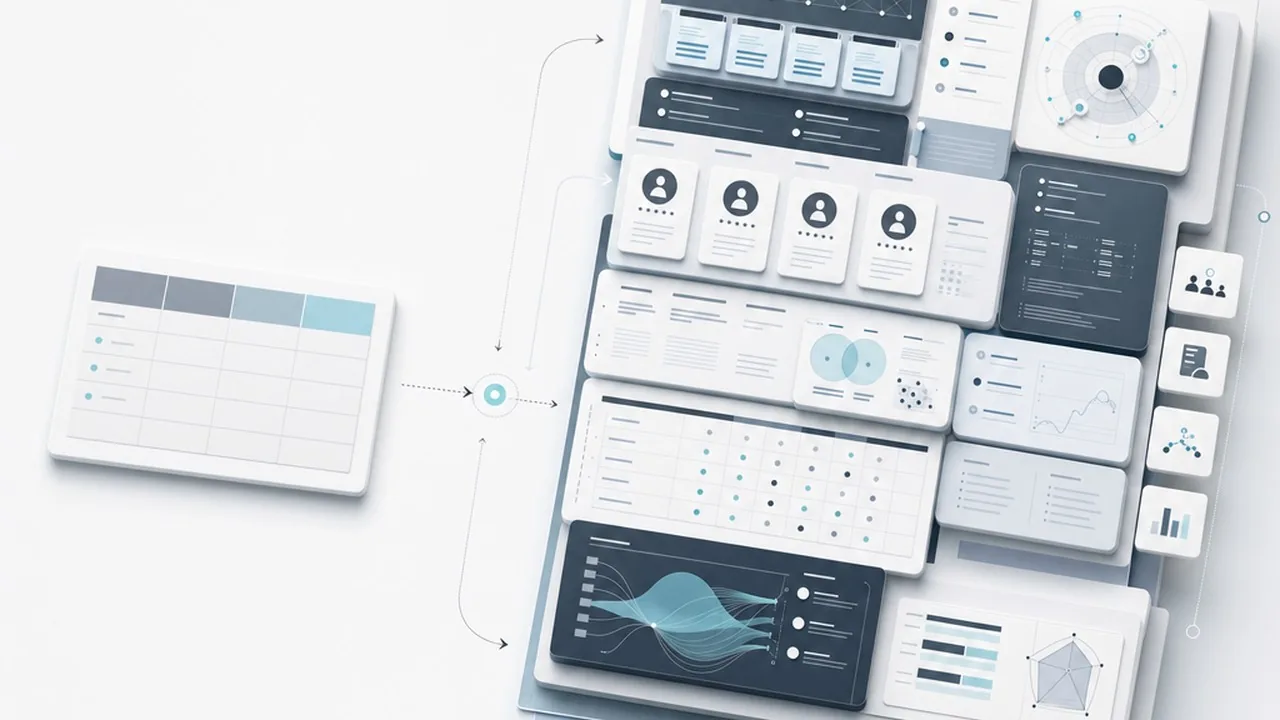
Expert web design starts long before a single pixel is placed in Figma; it begins with deep strategic alignment. When using an ai prompt for expert web design, you should treat the AI as a high-level research partner rather than a simple search engine. By feeding the model specific market data or brand pillars, you can uncover psychological triggers and user pain points that might take days to identify manually. This phase focuses on transforming raw data into actionable design directives that inform every subsequent aesthetic choice.
Extracting Deep User Insights with Persona Prompts
Generic prompts yield generic personas like ‘Busy Professional’ or ‘Tech Enthusiast,’ which offer little value to a designer. To reach expert status, your prompts must demand nuance, such as emotional drivers, cognitive biases, and specific friction points in the current user journey. According to research by the Nielsen Norman Group[3], AI is particularly effective at synthesizing qualitative data to help UX professionals understand diverse user perspectives more rapidly.
| Prompt Element | Basic ‘Junior’ Prompt | Expert ‘Align’ Prompt |
|---|---|---|
| Goal | Create a user persona for a coffee shop website. | Act as a UX Researcher. Develop a psychographic profile for a ‘Third-Wave Coffee Enthusiast’ focusing on their value for ethical sourcing and minimalist UI preferences. |
| Detail | List their age and hobbies. | Identify three specific pain points they face when navigating subscription-based e-commerce checkouts. |
| Output | A short paragraph. | A structured breakdown including ‘Jobs to be Done’ (JTBD) and emotional ‘gain creators.’ |
Competitor Analysis and Identifying Market Gaps
Expert designers use AI to find the ‘white space’ in a crowded market. Instead of asking for a list of competitors, prompt the AI to analyze the design languages of top players and identify what they are missing. You might ask the AI to compare the visual hierarchy of three specific industry leaders to see if there is an opportunity to disrupt the sector with a more bold, typography-forward approach. This helps in positioning the brand as a leader rather than a follower.
Defining the Information Architecture (IA)
Before moving to wireframes, use AI to stress-test your sitemap. A strategic prompt can help you organize complex content into an intuitive flow based on established UX patterns. By providing the AI with your primary conversion goals, you can generate a logic-based IA that prioritizes the user’s most likely actions, ensuring the website structure supports the business objectives from day one.
The secret to expert AI prompting isn’t just about the ‘ask’; it is about defining the constraints that force the AI to think like a strategist instead of a chatbot.
Phase 2: Translating Strategy into Structural Wireframes
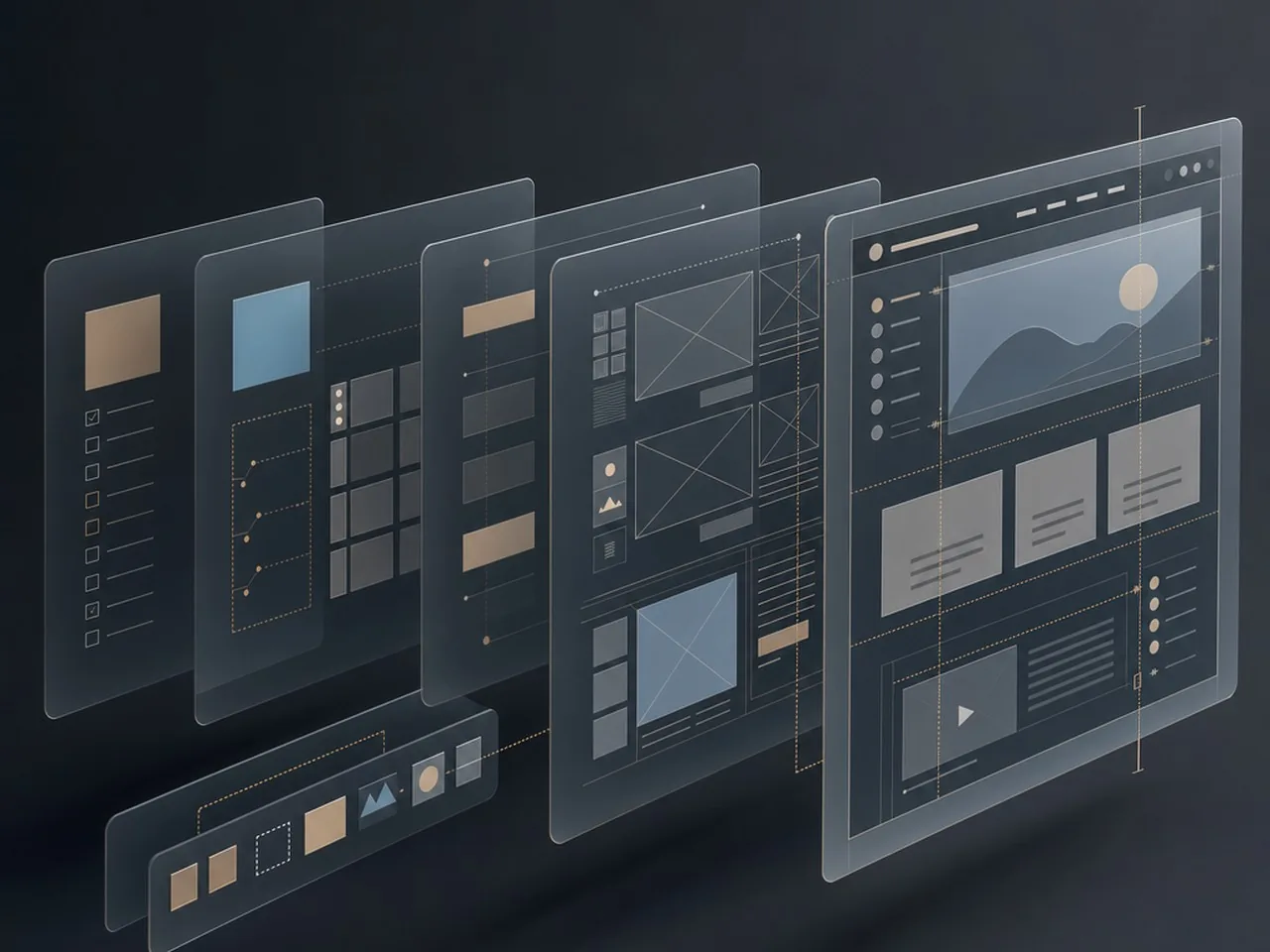
Once your strategy is set, the next step in utilizing an ai prompt for expert web design is moving from abstract goals to concrete layouts. This phase isn’t about aesthetics yet; it is about spatial logic and user psychology. Expert designers use AI to validate how information should be grouped to reduce cognitive load, ensuring that the most critical data points catch the eye first. By describing a layout in terms of priority rather than just ‘boxes,’ you guide the AI to generate a blueprint that actually converts.
Prompting for Low-Fidelity Layout Logic
When prompting for a wireframe, you must move beyond generic requests like ‘make a homepage.’ Instead, define the relationship between elements. Tell the AI to act as a Senior UX Architect and ask it to describe a layout that follows the F-pattern or Z-pattern based on the content density. This approach ensures that the resulting structure feels intentional and grounded in established usability standards, such as those discussed by the Nielsen Norman Group regarding AI’s role in streamlining UX workflows.
Wireframe Prompt Checklist:
- User Objective: Define exactly what the user is trying to accomplish on this specific page.
- Content Hierarchy: List elements in order of importance, from the primary CTA to secondary links.
- Interaction Points: Specify where buttons, forms, or toggle switches should live within the flow.
- Technical Constraints: Mention if the design needs to accommodate specific CMS limitations or mobile-first requirements.
Using AI to Determine Conversion-Centric Section Ordering
A common mistake is following a standard template because it feels safe. To achieve an expert result, use AI to analyze the friction points in a typical user journey. Prompt the AI to suggest a section order that answers the user’s objections in real-time. For example, if you are designing a landing page for a high-ticket service, your prompt should instruct the AI to place social proof immediately after the value proposition to build trust before the user even scrolls to the features list.
Iterating on Navigation and User Flows
Navigation is the backbone of the digital experience, yet it is often an afterthought. Use AI to simulate how a first-time visitor might navigate your site. Ask the AI to identify potential dead-ends in your proposed wireframe. By iterating on these flows through descriptive prompting, you can refine the global navigation and footer structures to ensure that no matter where a user lands, they have a clear path to their next destination.
An expert wireframe prompt does not just describe what a page looks like; it explains how the page should think on behalf of the user.

Phase 3: Crafting the Visual Direction and Moodboards
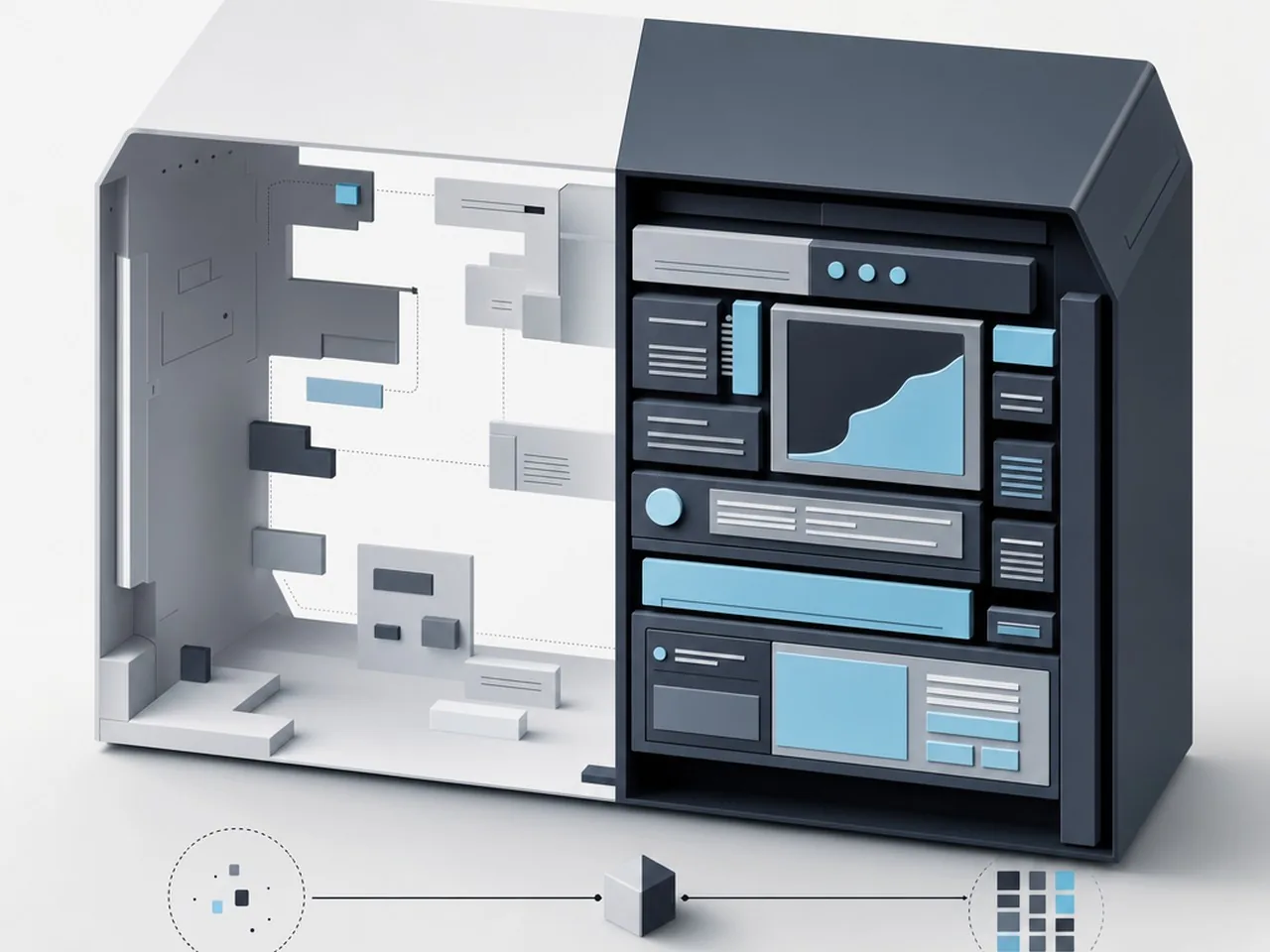
Once the structural bones are set, the next step in mastering the ai prompt for expert web design involves translating abstract brand values into tangible visual assets. This phase is where many designers stumble by being too vague; telling an AI to make a site look modern is like asking a chef to make food taste good. You must provide specific stylistic anchors that guide the machine toward a cohesive aesthetic. This requires a shift from describing what a site is to describing how it feels, looks, and moves.[5]
Defining design systems through descriptive language
To build a robust design system, your prompts should focus on the technical characteristics of UI elements. Instead of asking for a clean UI, specify the border radius, the weight of the shadows, and the level of glassmorphism or skeuomorphism desired. By defining these parameters early, you ensure that every generated component; from buttons to cards; adheres to a unified visual language. This systematic approach prevents the visual drift that often occurs when using AI for multiple page sections.
Generating unique color palettes and typography pairings
Expert designers use AI to break out of their own aesthetic bubbles. When prompting for typography, describe the personality of the typeface rather than just naming a font. Ask for high-contrast serifs to convey luxury or geometric sans-serifs for a tech-forward feel. For color, move beyond primary hues by requesting specific palettes based on lighting conditions or historical art movements, such as Bauhaus-inspired primaries or muted 1970s earth tones. This level of specificity ensures the output feels intentional rather than generated.
The Visual Prompt Formula:
- Subject: The core element (e.g., Hero image for a fintech landing page).
- Style: The artistic medium (e.g., 3D isometric, minimalist vector, or editorial photography).
- Lighting: The mood-setter (e.g., Soft natural light, high-contrast neon, or studio rim lighting).
- Technical Specs: The polish (e.g., 8k resolution, depth of field, or specific hex code accents).
Creating high-end image generation prompts for Midjourney or DALL-E
The secret to high-end imagery lies in the technical specs of the prompt. When using tools like Midjourney, your prompts should read like a director’s instruction on a film set. Mention the camera lens, the aperture, and the specific texture of the materials. This prevents the plastic look often associated with AI and replaces it with professional-grade photography or illustration that elevates the entire web experience.
Professional visual prompting is less about wishing for a result and more about engineering the constraints that make a great result inevitable.
Phase 4: High-Conversion Content and Microcopy Prompts
Design without content is just a shell; it lacks the substance required to actually convert a visitor into a lead. By adopting a content-first approach, you use an ai prompt for expert web design to generate the narrative structure before you even touch a layout tool. This ensures that the design serves the story, rather than forcing text to fit into arbitrary boxes.
Writing headlines that stick using psychological triggers
Great headlines do not just describe what a company does; they tap into the user’s desires or pain points. When prompting for headlines, instruct the AI to use frameworks like ‘Problem-Agitation-Solution’ or ‘The Gap’ to create tension. Instead of asking for a catchy title, ask the AI to write a headline that addresses a specific fear or aspiration of your target persona. This creates an immediate emotional hook that encourages the reader to scroll further down the page.
Drafting benefit-driven body copy for service pages
A common mistake in web copy is focusing on features rather than benefits. Expert prompts should guide the AI to translate technical specifications into human value. For example, instead of listing ’24/7 Server Monitoring,’ the prompt should ask the AI to explain how that feature provides ‘Total Peace of Mind and Zero Revenue Loss.’ This shift in perspective ensures your service pages speak directly to the client’s bottom line.
Quick Breakdown: AI Content Refinement
- Before AI: Generic ‘About Us’ text that focuses on company history and dry facts.
- After AI: A narrative-driven ‘Our Mission’ section that centers on solving the customer’s specific challenges.
- Before AI: Technical bullet points that describe how a product works.
- After AI: Benefit-led copy that explains why the product makes the user’s life easier.
Optimizing CTAs and microcopy for better UX
Microcopy is the small text on buttons, form labels, and error messages that significantly impacts the user experience. Instead of basic ‘Submit’ buttons, use AI to generate action-oriented microcopy that reduces friction. Prompts should focus on clarity and reassurance; for instance, changing a button from ‘Sign Up’ to ‘Start My Free 14-Day Trial’ provides the user with a clear expectation and a sense of value. According to the State of AI in Design Systems 2024 report[6], AI is increasingly being used to bridge the gap between design and content, ensuring consistency across these tiny but vital touchpoints.
Content-first design is the only way to ensure your website solves a problem rather than just looking pretty.
Internal CTA
Ready to turn your website into a high-converting machine? At Align, we combine expert UX/UI design with strategic content to help your brand stand out. Explore our services at Align.vn and let’s build something impactful together.

Advanced Techniques: Prompt Chaining for Complex Workflows
Mastering an ai prompt for expert web design often requires moving beyond the single-message interaction. While a single prompt might give you a decent hero section, complex digital products require a sequence of linked instructions. This method, known as prompt chaining, ensures that the output of one step serves as the foundational logic for the next; preventing the AI from losing the thread of your brand identity or user experience goals.
What is prompt chaining in web design?
Prompt chaining is a workflow where you break a large design task into smaller, logical milestones. Instead of asking an AI to design a whole landing page at once, you first ask it to define the site map, then use that site map to generate a wireframe, and finally use those wireframe descriptions to dictate the visual styling. This granular control allows you to audit the logic at every stage, ensuring the final design is grounded in strategy rather than random aesthetic choices.
Feeding wireframe data into visual generation
One of the most effective ways to use this technique is by bridging the gap between structure and style. Once you have a solid structural description or a Markdown-based wireframe, you feed that back into the AI with a new set of instructions focused on UI execution. This keeps the layout locked while you experiment with typography, spacing, and color theory. By maintaining this strict workflow, you avoid the common pitfall of AI hallucinating extra buttons or removing essential navigation elements during the high-fidelity phase.
The Chaining Framework:
- Step 1: Structural Logic — Generate the information architecture and content hierarchy.
- Step 2: Wireframe Definition — Convert the hierarchy into a functional layout description.
- Step 3: Visual Layering — Apply brand styles, tokens, and UI components to the layout.
- Step 4: Refinement — Audit for accessibility and mobile responsiveness.
Automating documentation for handoff
Expert designers know that the design is only half the battle; the other half is communication with developers. You can use the final state of your prompt chain to generate comprehensive handoff notes. By asking the AI to analyze the final design decisions, it can produce CSS variable lists, accessibility labels, and interaction documentation. This reduces manual work and ensures that the original design intent is preserved throughout the development cycle.[1]
Consistency isn’t a happy accident in AI design; it is the result of a structured logic chain that treats every output as a building block for the next.
Avoiding Common AI Design Pitfalls
Even with a sophisticated ai prompt for expert web design, it is remarkably easy to fall into the trap of ‘good enough’ work. AI models gravitate toward the path of least resistance, which often means regurgitating the most common patterns found on the web. To maintain an elite design standard, you must actively steer the AI away from generic outputs and technical oversights that can compromise the user experience.
The ‘Uncanny Valley’ of AI-generated layouts
We have all seen layouts that look professional at a glance but feel fundamentally ‘off’ upon closer inspection. This usually manifests as inconsistent spacing, illogical visual hierarchies, or buttons that lead nowhere. In expert web design, every pixel must serve a purpose. When using AI, avoid accepting the first structural suggestion; instead, use prompts that enforce strict grid systems and specific padding rules to ensure the design feels grounded and intentional rather than floating in a digital void.
Overcoming generic ‘Bootstrap-style’ outputs
AI has a bias toward the ‘safe’ aesthetic of mid-2010s frameworks. If you are not careful, your prompt results will look like every other SaaS landing page on the internet. To inject brand personality, your prompts should include specific stylistic directives such as ‘brutalism,’ ‘neo-minimalism,’ or ‘Swiss typography.’ Define your brand’s unique voice early in the prompting process to prevent the AI from defaulting to a bland, corporate aesthetic.
Ensuring accessibility and inclusivity in AI prompts
Perhaps the most dangerous pitfall is the omission of accessibility. AI often prioritizes aesthetics over usability, frequently suggesting low-contrast color pairings or missing alt-text structures. Expert designers must bake WCAG 2.1 compliance directly into their prompts. By specifying contrast ratios and ARIA requirements at the prompt level, you ensure that inclusivity is a foundation of the design rather than a late-stage afterthought.
AccessibilityIgnoring color contrastStrict WCAG 2.1 complianceBrandingStandard ‘SaaS’ blue/whiteUnique, brand-specific palettesUX LogicVague navigation flowsExplicit user journey mapping
| Feature | The ‘Lazy’ AI Mistake | The Expert AI Approach |
|---|---|---|
| Layout | Generic, repetitive blocks | Asymmetrical, purposeful grids |
AI is a powerful co-pilot, but the designer remains the captain; never let the tool dictate the creative direction at the expense of human-centric usability.
Top LLMs for strategy and copy (ChatGPT, Claude)
When you are refining an ai prompt for expert web design, your choice of engine matters as much as the prompt itself. ChatGPT remains the industry standard for rapid brainstorming and logic mapping; it is excellent for generating sitemaps or technical documentation. However, many expert designers are pivoting to Claude for creative copy and brand voice. Claude tends to produce more nuanced, human-sounding text that avoids the repetitive patterns often found in other models, making it the superior choice for high-end landing page copy.
Best AI tools for UI/UX (Relume, Framer AI)
To move from a text prompt to a functional layout, specialized tools are essential. Relume has changed the game by allowing designers to generate full sitemaps and wireframes in Figma using simple prompts. It focuses on the structural integrity of the site before you ever touch the aesthetics. Once the structure is set, Framer AI can help bridge the gap between design and production by generating responsive layouts that are nearly ready for launch, provided you maintain a critical eye on the spacing and component logic.
| Tool | Best For | Pricing Model |
|---|---|---|
| ChatGPT / Claude | Strategy, Copy, Logic | Free & Paid Tiers |
| Relume | Wireframing & Sitemaps | Subscription |
| Framer AI | Rapid Prototyping | Free & Paid Tiers |
| Midjourney | Visual Assets & Moodboards | Subscription |
Plugins and extensions to streamline the workflow
The most efficient designers do not leave their primary workspace. Figma plugins like Magician or Genius allow you to generate icons, images, and even suggested UI elements directly within your canvas. By integrating these into your workflow, you reduce the friction of switching tabs and keep your creative momentum. Always remember to treat these outputs as raw materials rather than finished products; the expert touch involves refining these assets to ensure they meet specific brand guidelines and accessibility standards.[1]
Quick Breakdown: The Pro AI Stack
- Use Claude for sophisticated brand storytelling and microcopy.
- Deploy Relume to build a logical UX foundation in minutes.
- Leverage Figma plugins for asset generation without leaving the canvas.
- Refine every AI output against human-centered design principles.
A Master Checklist for Your Next AI-Driven Project
Success with an ai prompt for expert web design is rarely about the first result; it is about the system you build around the tool. To transition from a casual user to an expert practitioner, you need a repeatable framework that ensures consistency across different projects. This checklist serves as your final safeguard, ensuring that every AI-generated element aligns with professional standards and client expectations before a single line of code is finalized.
Pre-prompting requirements
Before you even touch an LLM or an AI design tool, you must define the constraints. AI thrives on boundaries; without them, it tends to default to generic, mid-market aesthetics. Start by documenting the brand voice, the primary user persona, and the specific conversion goals of the page. Ensure you have a clear sitemap or user flow ready, as this context allows the AI to understand where a specific component fits within the broader digital ecosystem. Experts know that a prompt is only as good as the research that precedes it.
The iteration and refinement loop
Treat your initial prompt as a conversation starter. If the layout feels cluttered, do not just discard it; ask the AI to apply more whitespace or to prioritize a specific call-to-action. This iterative loop is where the ‘expert’ label is earned. You should move from broad structural prompts to granular aesthetic ones, refining typography scales, color contrast, and component spacing in successive rounds. This method prevents the ‘uncanny valley’ of AI design where things look almost right but feel slightly off to a trained eye.
Human-in-the-loop quality control
The final stage is the most critical: the human audit. AI can generate beautiful layouts that are technically impossible to develop or accessibility nightmares. Check every output against WCAG guidelines and technical feasibility. The goal is to use AI to handle the heavy lifting of generation while you focus your energy on high-level strategy and emotional resonance.
Quick Breakdown: The Expert AI Checklist
- Define brand constraints and user goals before prompting.
- Iterate on prompts by layering specific design constraints.
- Audit all outputs for accessibility and color contrast.
- Verify technical feasibility with your development team.
The true power of AI in web design isn’t found in the prompt itself, but in the expert’s ability to filter, refine, and polish the machine’s raw output into a human-centric experience.
Mastering the AI Prompt for Expert Web Design
The journey toward mastering an ai prompt for expert web design is less about finding a magic phrase and more about developing a sophisticated dialogue with technology. As we have explored, the most effective prompts are those rooted in deep architectural understanding, brand strategy, and user psychology. By treating AI as a highly capable intern rather than a replacement for creative intuition, you can accelerate your workflow without sacrificing the nuanced details that define high-end digital products. The future of the industry belongs to those who can blend technical prompt engineering with a relentless focus on the end-user experience. As these tools continue to evolve, staying ahead means constantly refining your approach, testing new frameworks, and maintaining a critical eye toward every generated output. Remember that technology provides the canvas and the pigments, but your expertise provides the vision that brings a website to life.
Elevate Your Digital Presence with Align
While mastering the perfect ai prompt for expert web design can certainly jumpstart your creative process, transforming those raw concepts into a high-performing, accessible, and conversion-focused digital platform requires a seasoned human touch. At Align, we believe that cutting-edge technology should always be balanced by creative soul and strategic depth. Our team specializes in bridging the gap between innovative AI capabilities and the complex realities of modern UX/UI design and SEO. We don’t just generate layouts; we craft intentional digital experiences that resonate with your audience and drive measurable growth for your brand. If you are ready to move beyond generic templates and build a bespoke online presence that truly stands out in a crowded market, we are here to help. Visit Align.vn today to discover how our expertise in design and search strategy can turn your vision into a digital masterpiece.
References
- How Designers Use AI in Their Workflow (And the Tools They Trust Most in 2025) — AI Graphic Design Courses
- The State of AI in Design: What we learned from 400+ designers – Foundation Capital
- Using AI for UX Work: Study Guide – NN/G
- AI for UX: Getting Started – NN/G
- Figma’s 2025 AI report: Perspectives From Designers and Developers | Figma Blog
- State of AI in Design Systems 2024