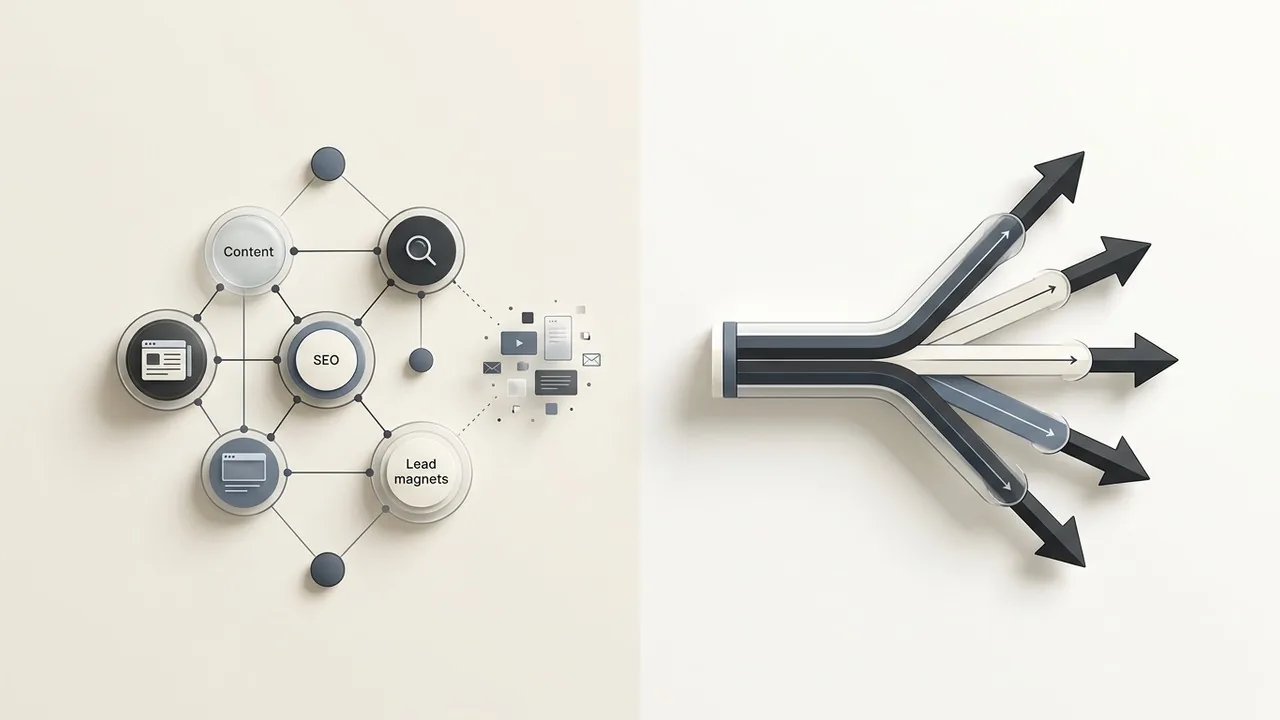
Design systems are no longer just static collections of buttons and hex codes; they are becoming living, breathing ecosystems powered by artificial intelligence. The emergence of ai design systems is fundamentally changing how teams maintain consistency at scale, shifting the burden of manual documentation to intelligent automation. By combining the reasoning capabilities of Claude with the visual precision of Figma, designers can now generate components and layouts that adhere to brand logic in seconds rather than hours.
This tech stack allows agencies to bridge the gap between abstract design tokens and production-ready code seamlessly. As teams integrate more automation, Figma has introduced features that allow users to quickly find assets and designs using AI, which significantly reduces the time spent digging through complex libraries. This shift ensures that the design system acts as a proactive partner in the creative process, allowing designers to focus on high-level strategy while the AI handles the repetitive heavy lifting of UI scaling.[1]
The Shift from Static Libraries to Intelligent Frameworks: ai design systems
For years, design systems functioned as glorified sticker sheets. They were static libraries requiring constant manual labor to maintain, update, and document. As product ecosystems grow, these traditional systems often buckle under the weight of their own complexity. The friction of keeping Figma files in sync with production code creates a bottleneck that slows down even the most agile teams. This is where ai design systems fundamentally change the equation, moving us away from manual maintenance toward intelligent automation.
Why traditional design systems struggle with scale
Scaling a design system manually is a losing game. Every time a primary brand color shifts or a padding rule changes, designers must hunt through hundreds of components to ensure consistency. Without automation, the gap between the design truth in Figma and the functional truth in the codebase inevitably widens, leading to fragmented user experiences and technical debt.
The role of Generative AI in component management
Generative AI models like Claude act as the connective tissue between design intent and execution. By feeding a design system’s documentation into Claude, teams can generate complex UI structures that follow established logic instantly. This doesn’t just speed up the workflow; it ensures that every new iteration remains compliant with the core design tokens. Figma has leaned into this evolution with its AI-powered tools, allowing designers to navigate and surface assets with unprecedented speed.[2]
Quick Breakdown: Static vs. AI-Augmented Systems
- Static Systems: Require manual documentation, manual component updates, and constant hand-off meetings.
- AI Systems: Feature self-documenting code, automated component generation, and intelligent asset discovery.
- Result: Reduced design debt and a faster path from concept to production.
Defining the ‘AI-Augmented’ design workflow
In an AI-augmented workflow, the designer transitions from a pixel-pusher to a systems architect. You define the constraints and the brand logic, while AI agents handle the repetitive tasks of resizing, restyling, and documenting. This shift allows agencies to focus on high-level strategy and user empathy rather than the minutiae of layer naming and folder structures.
The true power of AI design systems lies in their ability to transform a library of parts into a proactive partner that understands brand logic and scales it effortlessly.
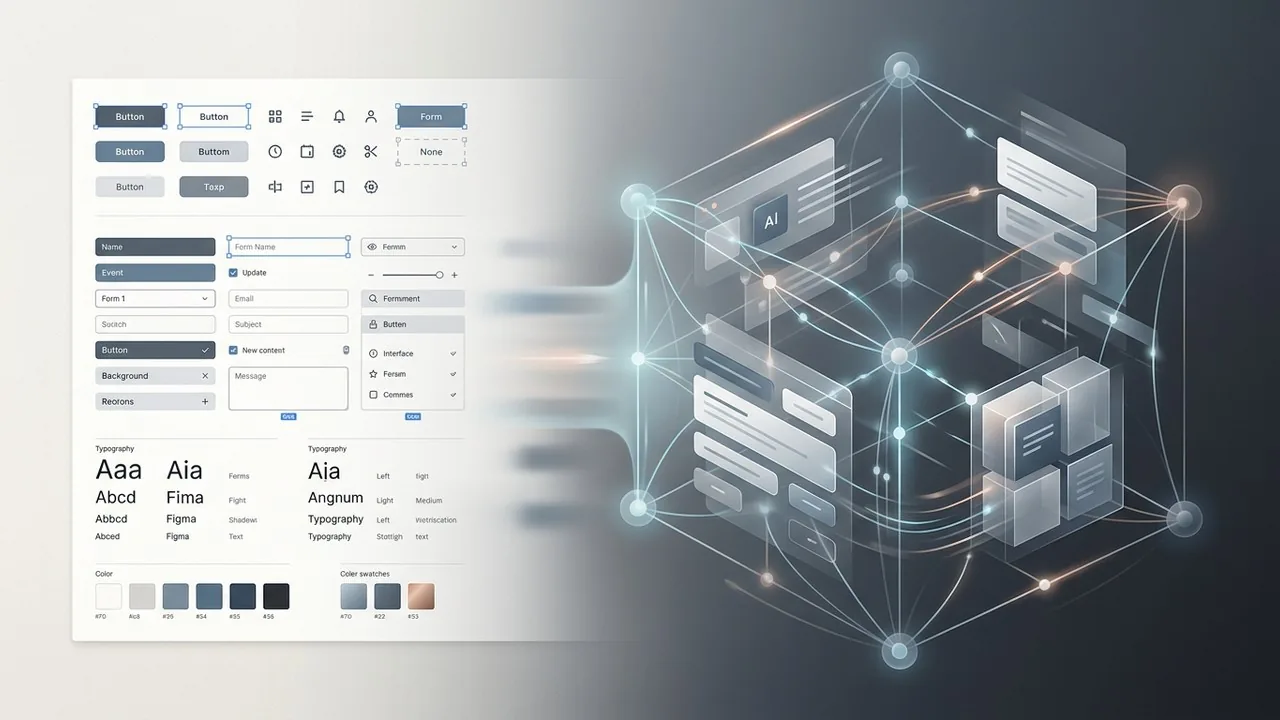
Leveraging Claude as your Design System Architect
While Figma provides the canvas, Claude acts as the intellectual engine that powers your AI design systems. Its superior reasoning capabilities and massive context window allow it to ingest hundreds of pages of brand guidelines, identifying patterns that a human might overlook during a manual audit. By treating Claude as a systems architect, you can transform static brand PDFs into living, breathing logic that informs every component you build.
Using Claude to draft component documentation
Writing documentation is often the most tedious part of maintaining a design system, yet it is vital for cross-functional alignment. Claude excels at generating comprehensive usage guidelines, interaction states, and accessibility requirements for new components. By providing the LLM with a component’s properties, it can instantly draft high-quality documentation that ensures every developer and designer on the team understands the ‘why’ behind the ‘what’.
Architect’s Checklist: Prompting for Documentation
- Define the component’s purpose and primary user goals.
- Specify interaction states including hover, focus, disabled, and active.
- Request WCAG 2.1 compliance requirements for screen readers and keyboard navigation.
- Generate ‘Do and Don’t’ visual usage examples based on brand constraints.
Generating semantic naming conventions with LLMs
Naming is famously one of the hardest problems in software engineering and design. Claude can analyze your existing library to suggest semantic naming conventions that are logical, scalable, and consistent. Instead of arbitrary labels, you get a structured hierarchy that bridges the gap between design tokens in Figma and variables in your codebase.
Mapping design tokens from brand guidelines
The transition from a brand book to a functional token system is where many projects stall. Claude can ingest color palettes, typography scales, and spacing rules to output JSON structures ready for implementation. This automated mapping ensures that your ai design systems remain the single source of truth, reducing the risk of manual entry errors while accelerating the handoff process between design and development teams.
Documentation is no longer a post-design chore; with Claude, it becomes a foundational step that happens in parallel with the creative process.

Automating layer naming and organization
Cluttered canvases are the silent killer of scalable ai design systems. Figma has introduced AI features that tackle the tedious work of tidying up files, allowing designers to focus on logic rather than logistics. By automatically renaming messy layers and organizing related frames, these tools ensure that every file remains legible for the rest of the team. This clean structure is not just about aesthetics; it creates the high-quality data necessary for AI models to interpret design intent correctly.
Using Figma AI to find and swap components
Navigating a massive library to find a specific variant used to be a scavenger hunt. With ‘Search for Similar’ and enhanced asset discovery, Figma uses visual recognition to identify existing components within your system. Instead of detaching instances or creating duplicates, designers can instantly surface the exact UI element they need. This reinforces system consistency across large teams, making sure that every button and input field adheres to the established source of truth.
Bridging the gap between UI kits and production code
The distance between a design mockup and a functional React component is shrinking. Features like ‘Make Design’ act as a collaborative spark, generating layouts that leverage your existing design tokens. While Figma continues to refine these generative capabilities, the real power lies in how these designs translate to development. By utilizing Dev Mode alongside AI, teams can inspect properties and generate code snippets that respect the constraints of the design system, ensuring the final product looks exactly as intended.[3]
Workflow Comparison: Scaling Design Systems
| Task | Manual Figma Workflow | AI-Enhanced Figma Workflow |
|---|---|---|
| Layer Naming | Manual typing; often ignored | Instant, semantic auto-naming |
| Component Search | Manual browsing through folders | Visual ‘Search for Similar’ results |
| Layout Creation | Building from scratch per frame | Generative wireframing via prompts |
| Handoff Prep | Writing manual specs for devs | AI-generated documentation & code |
Exporting SVG and JSON data for AI processing
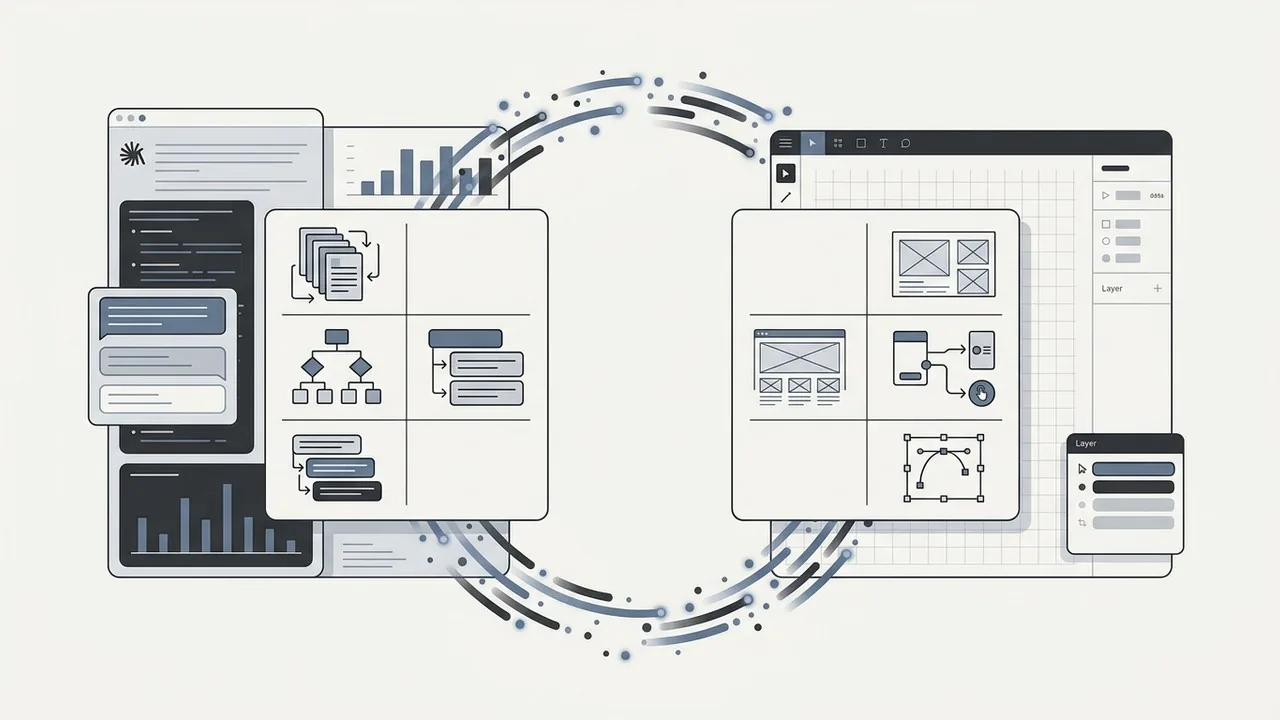
The bridge between Figma and Claude is paved with structured data. While Figma provides the visual canvas, Claude excels when it can ‘read’ the underlying architecture of your components. By exporting Figma layers as SVG code or utilizing JSON data from the Figma API, you provide Claude with a semantic map of your design. This allows the AI to analyze spacing, color tokens, and layer hierarchies with surgical precision, moving beyond simple visual recognition to true structural understanding.
Refining component logic through iterative prompting
Building a robust design system requires more than just drawing shapes; it requires defining how those shapes behave. This is where iterative prompting transforms the workflow. You can feed Claude your existing design tokens and ask it to generate complex component logic, such as hover state transitions or responsive behavior rules. As noted by experts in the field, using AI to bridge the gap between static design and functional code helps teams generate Figma designs[4] that are technically sound and ready for development. The process is cyclical: Claude suggests the logic, you apply it in Figma, and the results are fed back to the LLM for further optimization.
Ensuring consistency across multi-platform systems
Maintaining a single source of truth across web, iOS, and Android is one of the greatest challenges in design ops. Claude acts as a cross-platform translator, ensuring that a change in a primary brand token is correctly mapped to the specific naming conventions and technical constraints of different platforms. This feedback loop ensures that your ai design systems remain cohesive, regardless of where the end user encounters the brand.
The true power of AI in design isn’t just generating new ideas; it is the ability to maintain perfect logic across thousands of components that would otherwise break under manual maintenance.
Division of Labor: Claude vs. Figma
| Feature | Claude (The Brain) | Figma (The Body) |
|---|---|---|
| Documentation | Writes clear usage guidelines | Hosts the live component spec |
| Logic & Math | Calculates scales and spacing | Renders the visual layout |
| Iteration | Refines prompts and code | Prototypes user interactions |
| Tokens | Organizes JSON structures | Applies styles to layers |
Overcoming Common Pitfalls in AI Design Systems
While the speed of AI is intoxicating, integrating LLMs like Claude into your Figma workflow introduces new variables that require strict management. The goal is to treat AI as a high-speed intern rather than a lead designer. Without human oversight, the very systems meant to create consistency can quickly become sources of technical and visual debt.[5]
Managing ‘AI Hallucinations’ in UI Components
Claude is exceptionally good at writing code and organizing tokens, but it can occasionally invent CSS properties that do not exist or suggest color contrasts that fail accessibility standards. When generating component logic, it is vital to validate the output against established web standards. Designers should use AI to generate the first 80 percent of a component’s architecture, then manually audit the remaining 20 percent to ensure the logic holds up under edge cases.
Maintaining Human-Centric UX Oversight
An AI can build a button, but it doesn’t understand the emotional friction a user feels during a complex checkout flow. We must ensure that AI design systems do not default to generic, “soul-less” interfaces. Human designers remain responsible for the empathy layer, ensuring that the system serves the user’s journey rather than just following a mathematical grid. Prototyping in Figma remains the best way to feel the pulse of the design before the AI-generated components are finalized.
Governance and Version Control in the Age of AI
As Figma introduces more intelligent features, maintaining a single source of truth becomes more complex. Governance requires clear documentation on which parts of the library were AI-assisted and which are locked for manual edits only. Establishing a QA checklist for any AI-generated asset is the only way to prevent “system drift,” where small errors compound over time.
AI is your co-pilot, not the driver; it can suggest the route and handle the mundane stretches, but the human designer must always keep their hands on the wheel to navigate the nuance of brand identity.
AI Component QA Checklist:
- Verify WCAG color contrast ratios on all AI-suggested palettes.
- Test component responsiveness across unconventional breakpoints.
- Audit naming conventions to ensure they match existing library tokens.
- Check for ‘ghost’ layers or hidden groups that AI might generate in Figma.
The Future of AI Design Systems
Integrating Claude and Figma into your workflow transforms the design system from a static library into a living, breathing ecosystem. By automating the repetitive documentation and token generation tasks, teams can finally focus on high-level UX strategy and creative innovation rather than manual pixel-pushing. While AI provides the speed and structural foundation, the designer remains the essential curator who ensures every component aligns with the brand’s unique soul. Embracing these intelligent tools today isn’t just about keeping up with trends; it is about building a scalable, resilient infrastructure that allows your digital products to evolve alongside your users’ needs.
Build a Future-Proof Design System with Align
Scaling a digital product requires more than just a set of components; it demands an intelligent design infrastructure that balances efficiency with brand integrity. At Align, we combine our deep expertise in UX/UI design with the latest AI-driven workflows to help global brands build robust, scalable design systems. Whether you are looking to audit an existing library or build a new framework from the ground up, our team ensures your design language is consistent, accessible, and ready for the future. Visit Align to discover how we bridge the gap between sophisticated design and high-performance development to help your business grow.