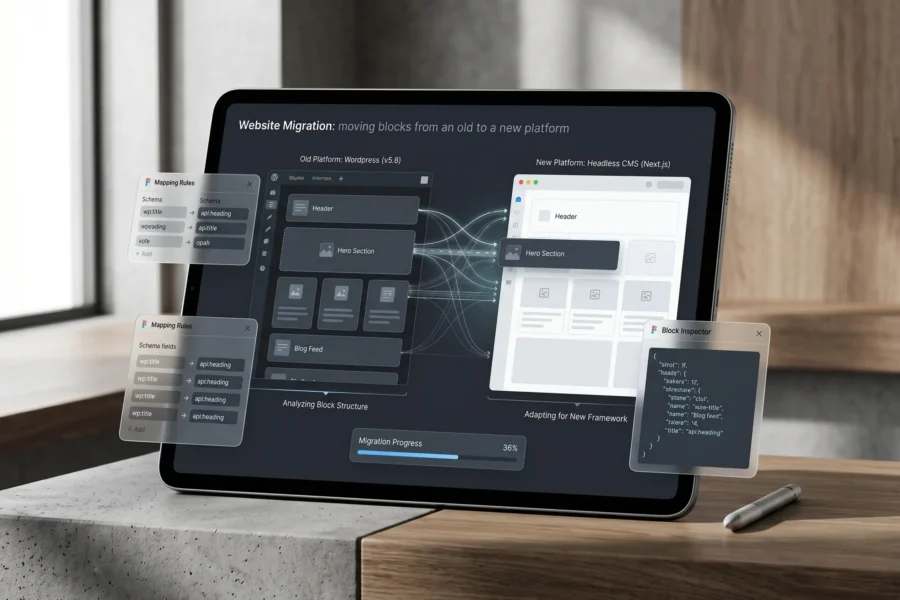
Your website is often one of the most valuable assets your business owns. It helps customers discover your brand, builds trust, generates leads, and supports growth every hour of the day. Over time, however, many companies reach a stage where the current website no longer supports future goals. The design may feel outdated, the platform may be hard to manage, the site may load too slowly, or the brand may have evolved beyond what the current website represents. That is where website migration becomes important.
Many businesses hear the phrase but are not fully sure what it means. Some assume it only refers to changing domains. Others think it only applies when rebuilding a website from scratch. In reality, website migration covers a wide range of changes that can impact how users experience your site and how search engines understand it.
When handled properly, a website migration can create new opportunities for SEO growth, stronger conversion rates, and better user experience. When handled poorly, it can lead to traffic loss, broken pages, reduced rankings, and missed leads. That is why planning matters.
What Is Website Migration?
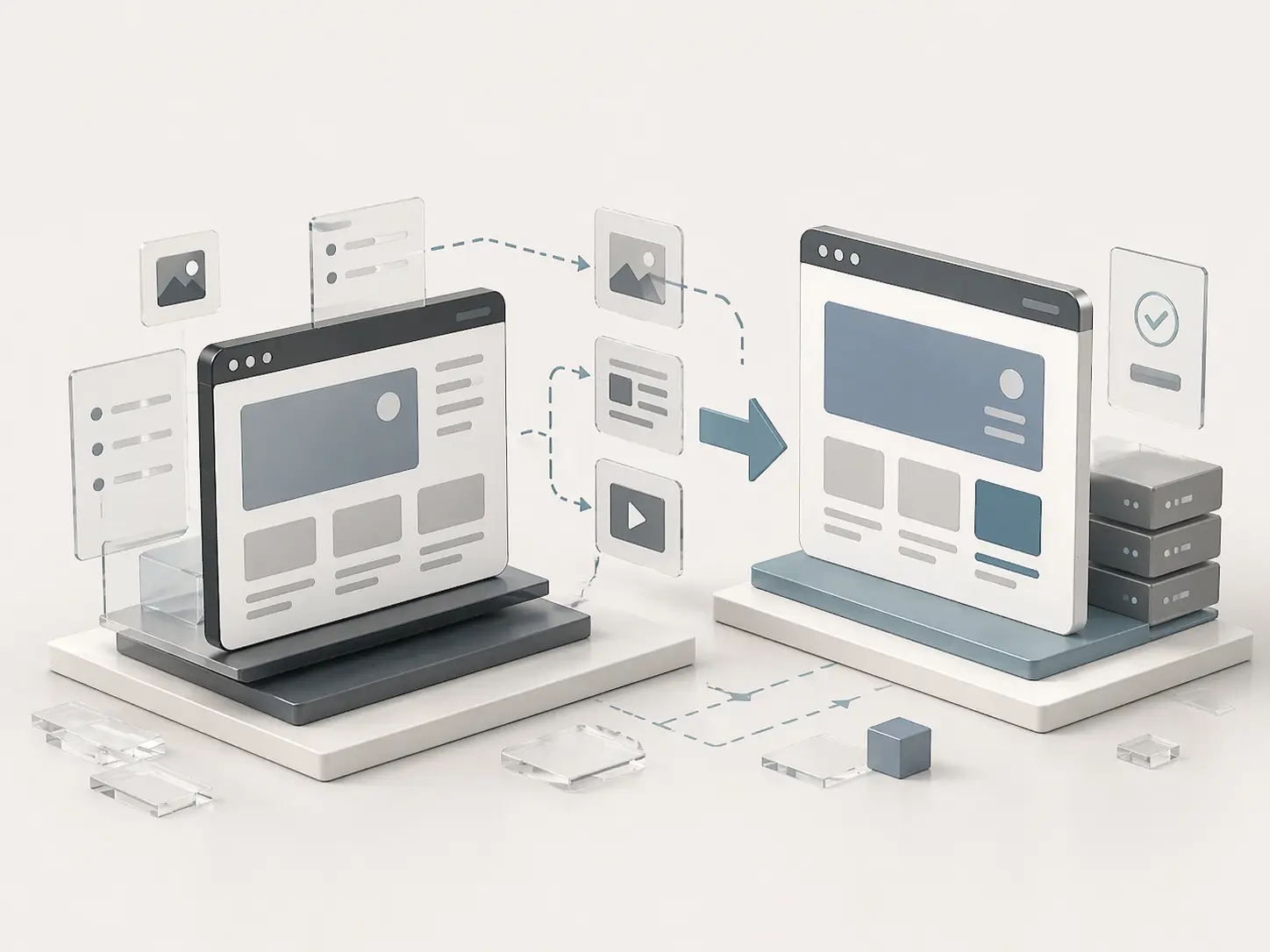
Website migration is the process of making significant changes to a website that may affect search engine visibility, traffic, user experience, or technical performance. These changes can involve moving to a new domain name, rebuilding the website on a new platform, changing page URLs, updating site architecture, improving hosting infrastructure, or redesigning templates and navigation [1]. In simple terms, if a change can alter how users or search engines access your website, it may be considered a website migration.
A migration can be large or small. Some projects involve thousands of URLs and multiple country versions. Others may only involve a local business moving from a basic builder platform to WordPress. Even smaller migrations still require planning because search engines rely on consistency, structure, and crawlable signals.
This is why website migration should never be seen as only a design task. It is also a strategic SEO and technical project.
Why Businesses Need Website Migration
Most companies do not migrate websites without a reason. Usually, growth creates the need for change. A business may have launched quickly with a simple website years ago, but now needs a stronger digital foundation. In other cases, the company may rebrand, merge with another business, expand into new markets, or need a website that converts visitors more effectively.
Some businesses migrate because the existing site is slow or difficult to manage internally. Others want better flexibility for landing pages, blog content, SEO updates, or integrations with CRM tools. Sometimes the old platform simply creates friction and slows down marketing progress.
A well-executed migration allows a company to modernize without losing momentum. It can create faster page speed, cleaner structure, stronger messaging, better mobile usability, and a more scalable system for future campaigns.
That is why many smart businesses treat website migration as an investment rather than just maintenance.
Why Website Migration Can Be Risky
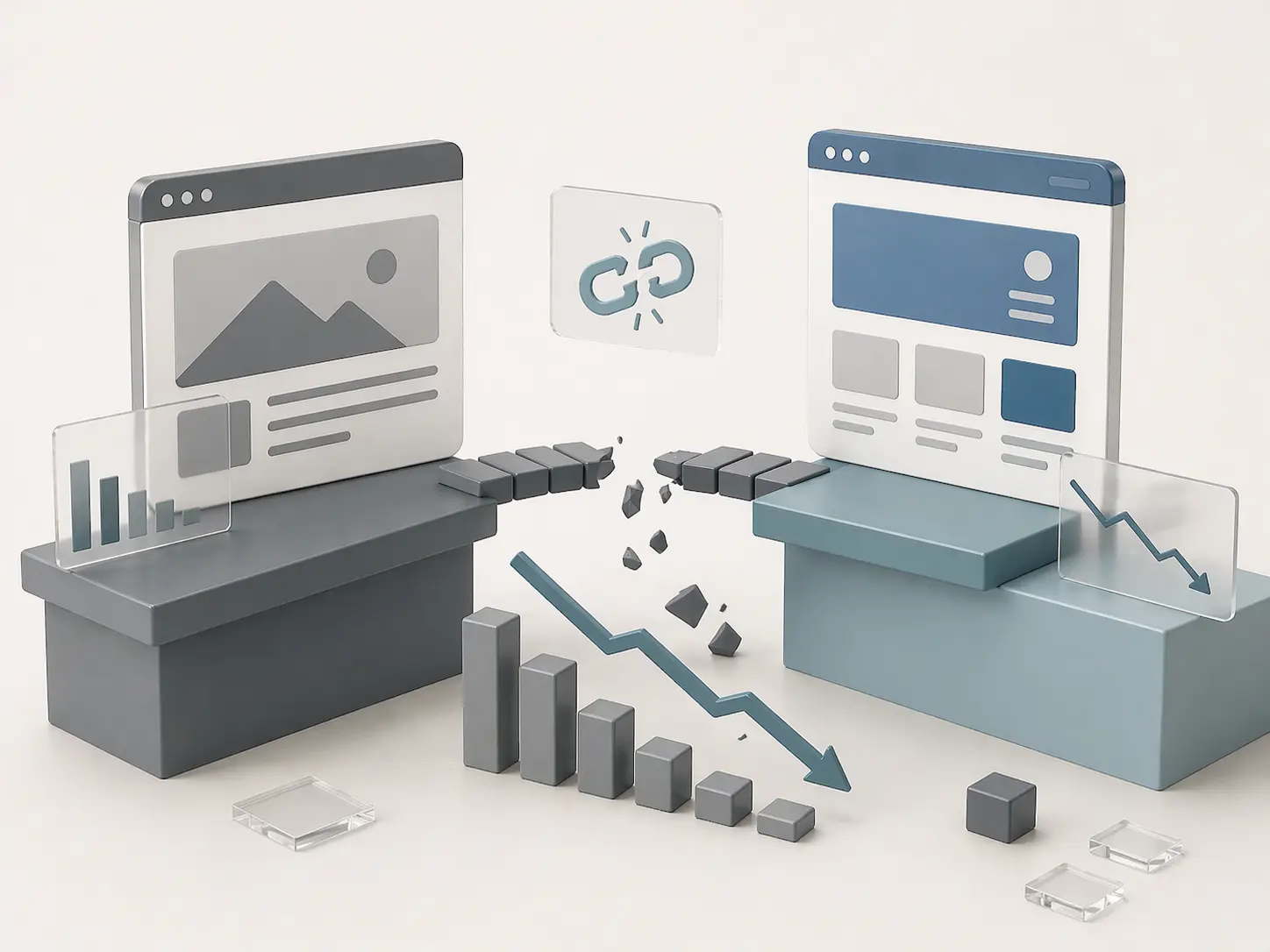
The biggest misunderstanding many companies have is assuming search rankings belong to the brand name alone. In reality, search engines rank individual URLs, page relevance, internal links, metadata, performance signals, and authority built over time [2].
When a business changes page URLs, removes content, deletes pages, changes headings, or launches a slower site, those signals can be disrupted. If the migration is poorly planned, rankings may drop quickly. This is one reason why many redesign projects underperform after launch. A site may look cleaner visually, but if SEO equity is lost during the process, traffic declines can follow.
Industry case studies have repeatedly shown that poor migrations can cause sudden traffic loss, indexing issues, and conversion drops after launch [3]. Search engines often need time to recrawl and reassess a changed site, so mistakes can compound if not corrected quickly. That is why website migration should always balance creativity with preservation.
Common Types of Website Migration
There are several forms of migration, and many businesses experience more than one at the same time.
| Type of Migration | Example |
|---|---|
| Domain Migration | oldbrand.com to newbrand.com |
| CMS Migration | Wix to WordPress |
| Redesign Migration | New layouts, templates, navigation |
| Hosting Migration | Better speed or security server move |
| URL Structure Migration | /services/web-design to /web-design-services |
| HTTPS Migration | HTTP to secure HTTPS |
A redesign combined with a CMS move and URL changes is common. That also means the risk level increases, since multiple variables are changing at once.
What Can Go Wrong During a Migration?
Many migration issues are preventable. Problems usually happen when planning is rushed or SEO is added too late in the process. A common mistake is launching without proper redirects. This leaves old pages returning 404 errors, which creates poor user experience and wastes link authority [4]. Another issue is removing pages that were already ranking well simply because they no longer fit the new design layout.
Tracking failures are also common. Businesses launch a new site and later realize leads were not being tracked correctly, forms were broken, or analytics scripts were missing [5]. Sometimes the new website is heavier than the old one. More animations, larger images, and unnecessary scripts can reduce performance, especially on mobile devices. These problems may seem technical, but they directly affect revenue.
How to Prepare Before Moving Your Site
The strongest migrations begin long before launch day. Preparation reduces risk and helps teams make better decisions. Start by understanding what currently works. Review your most visited pages, best converting landing pages, strongest backlinks, and top ranking keywords. This tells you what should be protected first.
Next, create a full backup of website files, content, and databases. If something goes wrong, recovery becomes easier.
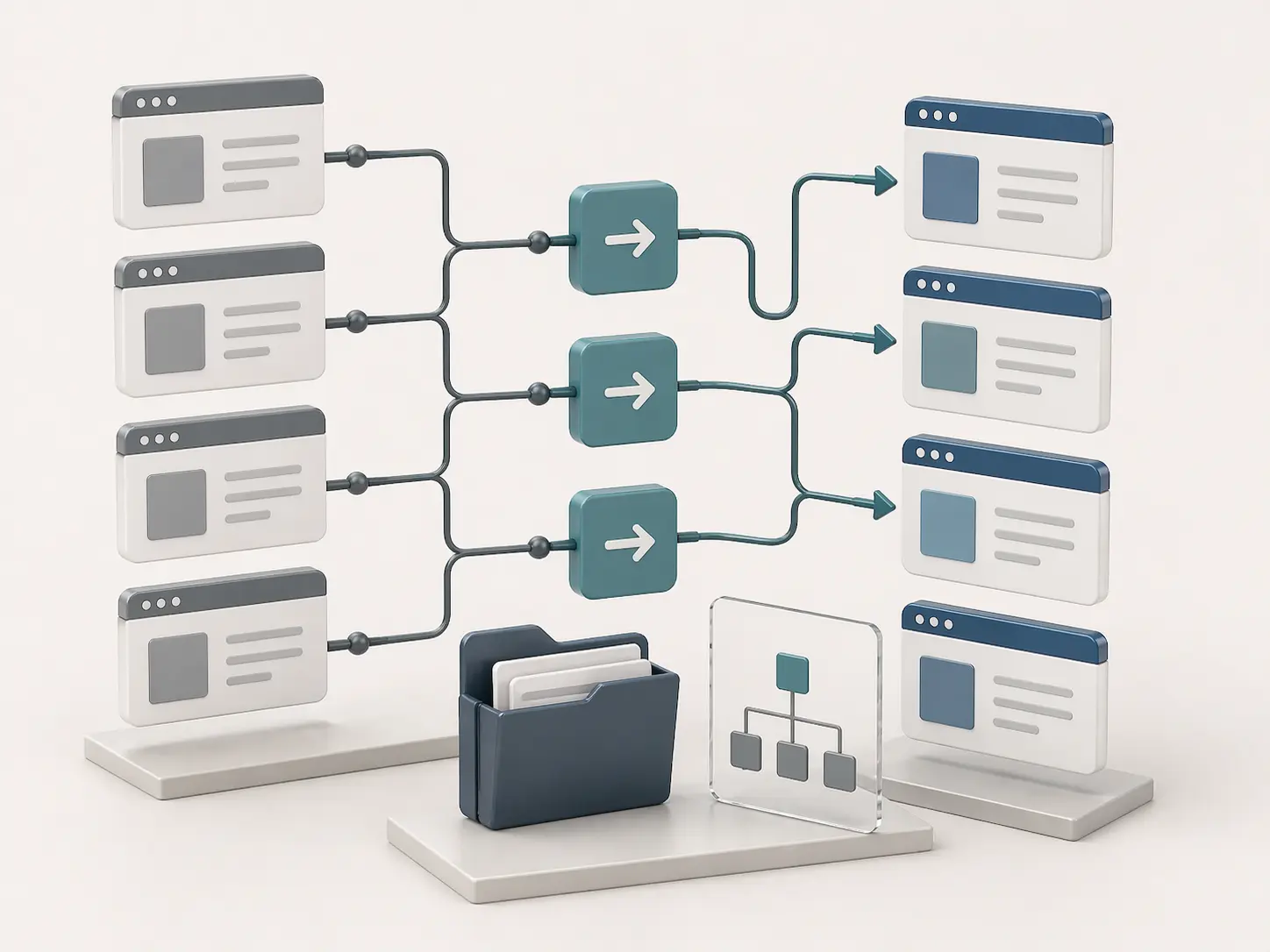
Then map your current URLs to future URLs. Every page that matters should have a clear destination. This is where 301 redirects become critical [4].
Businesses planning a redesign should also review how the current site supports conversions. Sometimes an old page ranks well but converts poorly. Migration creates an opportunity to improve both search performance and lead generation at the same time.
This is one area where Align often supports businesses through strategic planning and SEO-first redesign thinking. Explore our services here: https://www.align.vn/services/
6 Tips for Moving Your Site Successfully
1. Protect High-Value Pages First
Not every page has equal value. Some pages drive leads consistently. Others earn backlinks or rank for important commercial keywords. These pages should be identified early and treated carefully during migration. Keep their relevance, preserve their intent, and ensure their new versions remain strong.
2. Use 301 Redirects Correctly
A 301 redirect tells search engines that a page has permanently moved. This helps preserve authority and guides users to the correct destination [4].
Redirecting every old page to the homepage is rarely the best solution. Instead, old pages should point to the most relevant new equivalent.
This improves both SEO continuity and user trust.
3. Keep SEO Elements Intact
A new design should not erase valuable SEO signals. Important headings, optimized titles, internal links, and quality copy often deserve preservation or thoughtful improvement rather than deletion.
Many businesses accidentally remove strong content in the name of simplicity. Cleaner design is good, but losing relevance is not.
4. Test Everything Before Launch
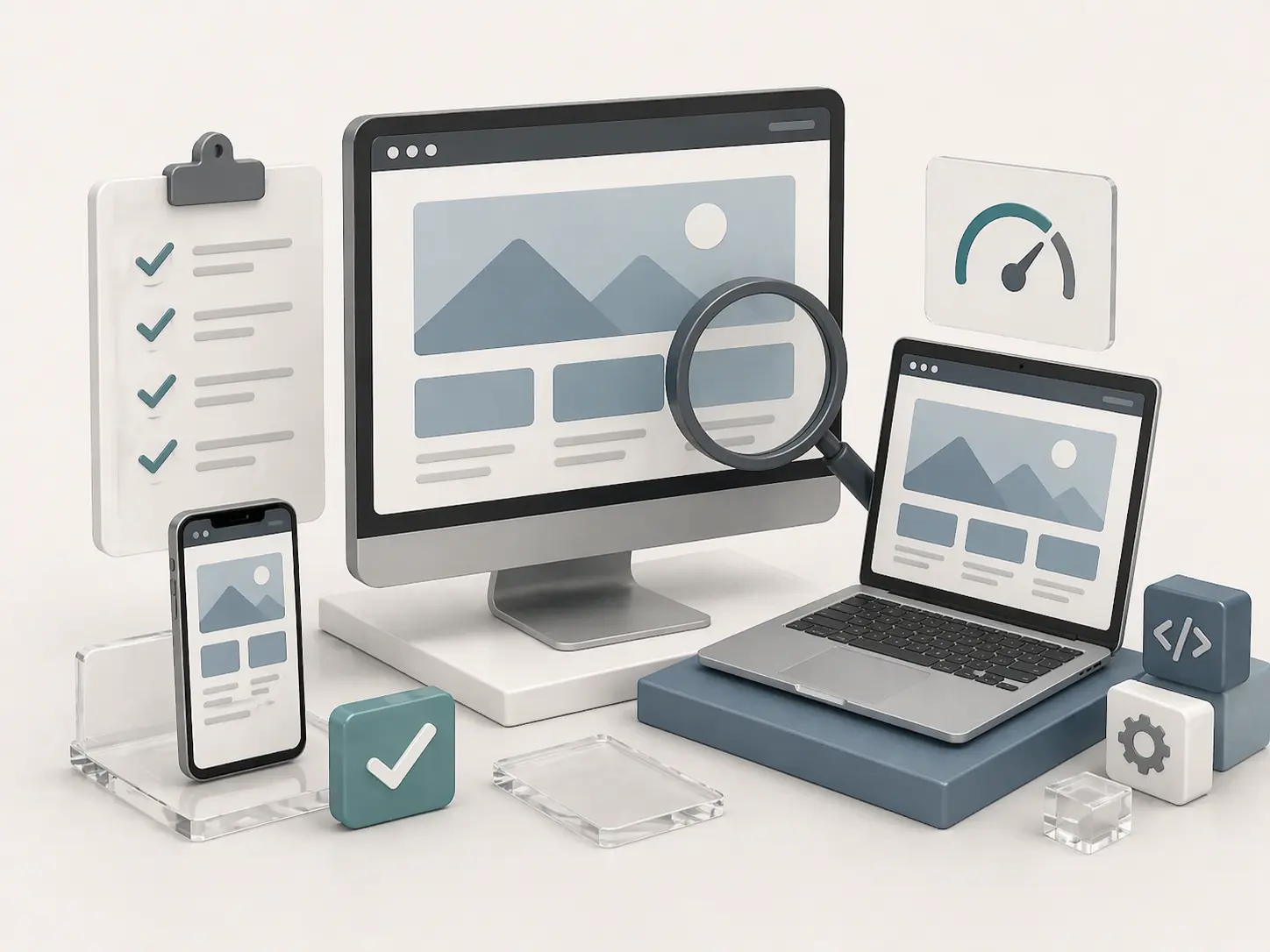
Use a staging environment and review the new website thoroughly. Test forms, mobile layouts, menus, links, tracking scripts, structured data, page speed, and crawlability.
Launching without testing creates unnecessary risk.
5. Launch During Lower Traffic Periods
If your business receives most leads during weekday mornings, that is not the ideal moment to migrate. A quieter traffic period gives your team time to react if issues appear.
Choose:
6. Monitor the First 30 Days
Migration success is not decided on launch day alone. Watch performance closely during the first month using Google Search Console and Google Analytics [5].
Review impressions, clicks, indexed pages, errors, and conversions. Early action can prevent long-term losses.

How Long Does Website Migration Take?
The answer depends on complexity. A small brochure website with a limited number of pages may take only a few weeks. A medium-sized business website with service pages, blog content, and lead forms may take several weeks or more. Larger content websites or ecommerce systems often require months of planning, testing, and phased execution.
The biggest factor is not page count alone. It is how many moving parts exist: content, redirects, integrations, approvals, templates, technical debt, and SEO dependencies.
In many cases, rushing a migration creates more delay later through recovery work.
Should You Hire Experts for Website Migration?
If your website drives meaningful revenue, professional support is often worth considering. A traffic drop after migration can cost far more than the price of planning it correctly. The best migration partners understand more than design. They understand SEO, analytics, user experience, technical implementation, and conversion behavior.
That combination helps businesses avoid expensive mistakes while using migration as a growth moment. At Align, we believe a better website should not come at the cost of lost visibility. It should improve both brand presentation and performance. Learn more at https://www.align.vn/services/
Final Thoughts
So, what is website migration?
It is the process of changing your website in ways that affect how users and search engines access it. That may include redesigning the site, changing platforms, moving domains, improving hosting, or restructuring URLs.
Website migration can unlock major benefits when done strategically. It can create a faster site, stronger brand presence, better lead flow, and a more scalable platform for future growth. But successful migration requires planning, protection, and post-launch monitoring.
A beautiful new website means very little if rankings disappear and leads slow down. The smartest businesses know that design and SEO must move together.
Redesigning a website creates excitement. Protecting performance during the process creates real business value.