
Clean website design is often misunderstood as visual emptiness. In reality, the best clean interfaces are not bare for the sake of minimalism. They are structured, deliberate, and easy to navigate. Every choice, from spacing and typography to contrast and hierarchy, helps the user understand what matters first, what comes next, and what action to take.
That is why clean website design consistently performs well across industries. It makes brands feel more credible, products easier to understand, and digital experiences more trustworthy. When clutter is removed and the layout is organized around user intent, the site feels calmer and stronger at the same time.
Rule 1: Build around hierarchy, not decoration
A clean website begins with visual hierarchy. Users should immediately know what the page is about, where their eye should go next, and which action matters most. This means your headline must clearly lead, subheadings should support comprehension, and buttons or links should stand out without shouting.
Many interfaces feel messy not because they have too much content, but because everything is competing at the same visual volume. If typography, color, and spacing do not create priority, the page becomes mentally noisy even when it looks simple at first glance.
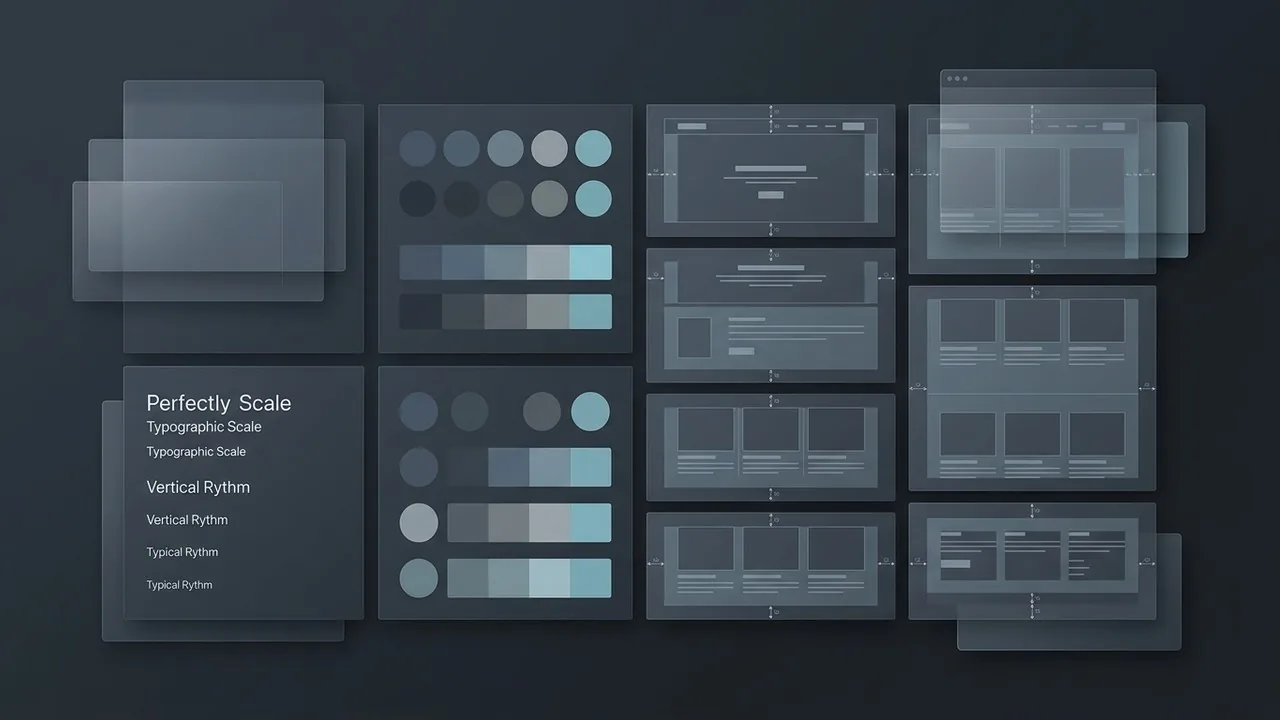
Rule 2: Use white space as a functional tool
White space is one of the strongest tools in clean website design because it creates separation, rhythm, and breathing room. It allows each section to feel intentional and gives users time to process information without fatigue. Good spacing is not wasted space. It is what makes content readable and interactions easier to understand.
Spacing also affects perceived quality. Premium websites often feel premium because the layout is disciplined. Margins are consistent, sections are clearly grouped, and elements are not packed together just to fit more above the fold. A page that breathes feels more trustworthy than one that constantly fights for attention.
Rule 3: Keep typography calm and highly legible
Typography does most of the communication work on a website, so it should never be treated as an afterthought. Choose typefaces that are easy to read, pair them with a sensible scale, and keep body text comfortable across desktop and mobile. Clean design does not require bland typography, but it does require disciplined typography.
In practice, that means avoiding too many font families, using generous line height, and making sure contrast remains strong. Clean interfaces often rely on fewer typographic moves executed consistently, which creates clarity without making the design feel generic.

Rule 4: Reduce interface noise
Every badge, divider, icon, animation, and color accent adds cognitive load. If those elements are not helping the user understand the content or complete an action, they are probably weakening the experience. A clean site removes visual noise so the important parts have room to lead.
This does not mean stripping out personality. It means making intentional choices about where personality belongs. Let the strongest elements carry the brand, and let the supporting elements stay quiet. The result is a site that feels polished rather than crowded.
Rule 5: Balance beauty with performance
Clean website design should improve both aesthetics and performance. Heavy media, excessive scripts, and decorative effects can undermine the simplicity users experience on the surface. A site only feels clean when it loads smoothly, behaves predictably, and responds quickly across devices.
This is why high-performing websites treat design and engineering as one system. Layout, image optimization, content structure, and motion should all support the same goal: making the experience frictionless. If the site looks elegant but feels slow or confusing, it is not actually clean.

Rule 6: Make every section earn its place
One of the fastest ways to improve a cluttered website is to question every block on the page. Does it help users understand the offer, build trust, or move forward? If not, it may not belong. Clean design is often the result of strong editing rather than more styling.
That editing mindset is what separates minimal websites that convert from minimal websites that feel empty. A clean page is still rich with information. It is simply arranged so that the user never has to fight to find it.
Conclusion
The golden rules of clean website design come down to clarity, restraint, and purpose. Use hierarchy to guide attention, white space to create rhythm, typography to support readability, and performance to remove friction. When those pieces work together, the site feels premium not because it tries harder, but because it gets out of the user’s way.
Clean design is never just a style trend. It is a strategic choice that improves trust, comprehension, and conversion. And in crowded digital markets, that kind of clarity is a competitive advantage.