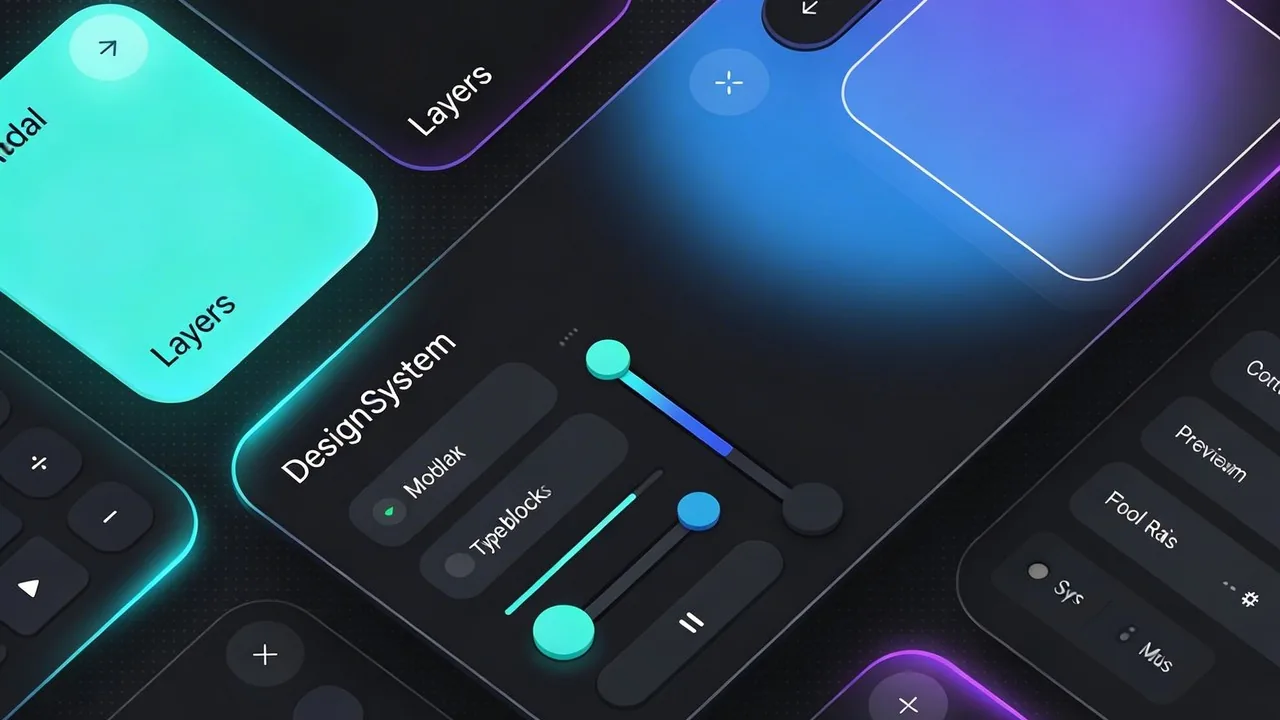
Apple just flipped the script on interface design once again, moving past the frosted textures we have grown accustomed to over the last few years. While the industry spent a long time perfecting the blurred backgrounds of glassmorphism, the tech giant is now introducing a more fluid, organic successor known as Liquid Glass. This aesthetic shift represents a move away from static layers toward a system that feels alive, responsive, and deeply integrated into the hardware it inhabits.
This new design language focuses on high-fidelity refraction and dynamic light play, creating a digital environment that reacts to user input with a sense of physical weight and elegance. As designers, we are seeing the limitations of traditional glassmorphism being replaced by a more cohesive, immersive experience. Apple is already providing the framework for this transition, recently announcing that they have updated their developer tools to help creators build apps that leverage these sophisticated light and motion effects natively.[1]
The Evolution of Depth: From Static Layers to Liquid Glass
For years, the design community has operated within the boundaries of glassmorphism, a style defined by frosted-glass effects, background blur, and semi-transparent layers that provide a sense of hierarchy. While this aesthetic served us well in the transition toward more modern interfaces, it often felt like a collection of static, disconnected panes. Apple is now pushing past these limitations with a transformative visual language that prioritizes fluidity over form.
The legacy of glassmorphism in iOS and macOS
Since the introduction of iOS 7 and later Big Sur, Apple has championed the use of materials that mimic physical properties. We saw the rise of ‘Vibrancy’ and ‘Materials’ that allowed content to peek through backgrounds, helping users maintain context while navigating complex apps. However, as hardware capabilities have evolved, the need for a more dynamic and unified interaction model became clear. The traditional approach to glassmorphism felt increasingly like a digital filter rather than a living part of the operating system.
Defining the ‘Liquid’ element in Apple’s new design
The shift to Liquid Glass introduces a level of high-fidelity refraction and light play that feels remarkably tactile. Unlike its predecessor, this new language treats the interface as a responsive substance that flows and reacts to the user’s presence. According to Apple’s latest announcement, this design is intended to feel both intuitive and sophisticated, marking a new era of software aesthetics.[2]
“This new design language is a significant leap forward, bringing a delightful and elegant new look to the software people love, with a focus on depth, light, and motion that feels more natural than ever.”
Why Apple is moving toward more organic, responsive surfaces
The move toward organic surfaces is a direct response to our desire for more immersive digital experiences. By moving away from rigid, rectangular layers and toward surfaces that exhibit physical weight and elastic motion, Apple is closing the gap between the glass in our hands and the pixels on the screen. This evolution ensures that every swipe and tap feels grounded in reality, making the interface feel less like a tool and more like an extension of the physical environment.
Quick Breakdown: The Shift to Liquid Glass
- Dynamic Refraction: Light bends and shifts in real-time based on on-screen movement.
- Organic Motion: Transitions use spring physics and fluid paths rather than linear paths.
- Hardware Integration: The software mimics the physical properties of high-end glass and aluminum.
- Responsive Depth: Z-axis depth changes based on user focus and interaction intensity.
Core Principles of the Liquid Glass Aesthetic: Beyond Glassmorphism
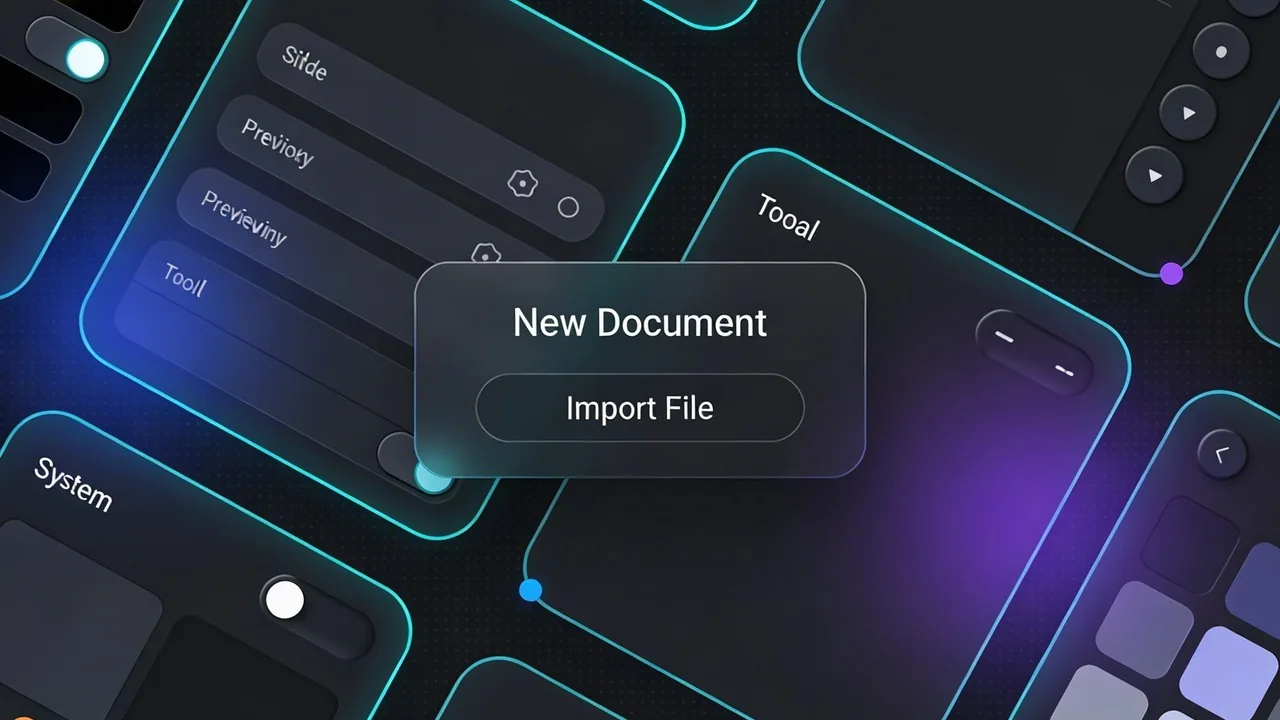
While standard glassmorphism relies on static background blurs and semi-transparent layers to simulate depth, Apple’s Liquid Glass introduces a reactive, living environment. This new visual language moves away from the ‘frosted plastic’ look of previous years; it instead treats the screen as a physical lens where light behaves according to the laws of optics. By moving beyond the limitations of traditional glassmorphism, designers can now create interfaces that feel tangibly connected to the user’s surroundings.
Dynamic Refraction and Adaptive Lighting
The hallmark of Liquid Glass is how it handles light. Rather than using a simple opacity filter, the system calculates how light would naturally bend as it passes through a curved surface. This dynamic refraction means that as you scroll, the colors and shapes beneath a panel do not just blur; they shift and distort subtly, providing a sense of realism that static designs cannot replicate. This adaptive lighting ensures that the interface feels cohesive regardless of whether the user is in a dark room or under bright sunlight.
Fluid Motion: How Surfaces React to Touch and Hover
Interaction is no longer a binary state of ‘on’ or ‘off.’ In the Liquid Glass framework, surfaces exhibit a sense of surface tension and elasticity. When a user hovers over an element, the glass appears to pull toward the cursor, mimicking the way liquid reacts to a physical presence. This tactile feedback is essential for creating an intuitive experience where the software anticipates the user’s intent through organic, non-linear transitions.
The Role of High-Fidelity Spatial Depth
Spatial depth in Liquid Glass is not just about aesthetic drop shadows; it is a functional tool for hierarchy. By utilizing the Z-axis, the system communicates importance through varying levels of elevation and thickness. This approach was recently highlighted during the 2025 Apple Design Awards[3], where the focus on spatial craftsmanship showcased how depth can improve accessibility and focus. High-fidelity depth allows the eye to naturally prioritize information, making complex workflows feel spacious and manageable.
Liquid Glass is not just a style; it is a physics-based simulation that turns the interface into a responsive, tactile environment.
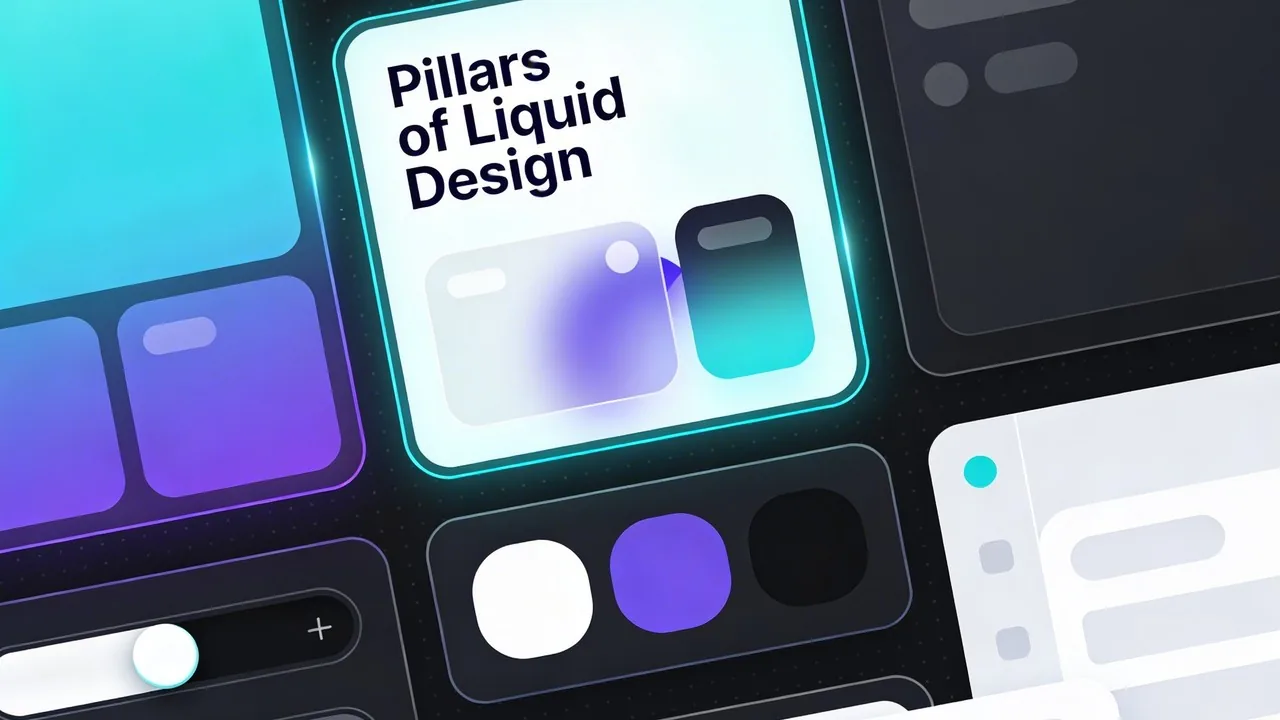
Quick Breakdown: The Three Pillars of Liquid Design
- Optical Accuracy: Light bends and refracts in real-time based on underlying content.
- Tactile Response: Surfaces use spring physics to react to touch, hover, and momentum.
- Spatial Hierarchy: Z-axis depth is used to define importance and reduce cognitive load.
Why This Design Shift Matters for UX/UI Designers
The move from static glassmorphism to Liquid Glass represents a fundamental shift in how we approach digital surfaces. While traditional glassmorphism relied heavily on fixed background blurs and simple opacity layers, this new language introduces a layer of environmental intelligence. For designers, this means moving away from purely decorative aesthetics toward a functional system where the UI actively communicates its relationship with the surrounding digital space.[4]
| Feature | Traditional Glassmorphism | Apple’s Liquid Glass |
|---|---|---|
| Light Behavior | Static, uniform opacity | Dynamic refraction and caustic light |
| Interactivity | Passive background blur | Physics-based reactive surfaces |
| Spatiality | Flat layers with drop shadows | True Z-axis depth and light-awareness |
Improving accessibility through contrast and legibility
One of the biggest critiques of the glassmorphism trend was its tendency to sacrifice readability for style. Liquid Glass addresses this by using real-time contrast adjustment and edge-lighting. As elements move or background colors change, the system intelligently modifies the refraction intensity to ensure text remains crisp. This ensures that the aesthetic appeal never comes at the cost of inclusivity, making interfaces more usable for individuals with visual sensitivities.
Creating emotional connection through micro-interactions
Design is increasingly about how an interface feels, not just how it looks. By leveraging spring physics and momentum, Liquid Glass makes every swipe and tap feel tactile. These micro-interactions provide subtle haptic and visual feedback that mimics physical materials, reducing the friction between the user and the device. This creates a sense of delight that transforms a utility into an experience.
Liquid Glass bridges the gap between the digital and physical worlds by treating light as a functional tool rather than a static filter.
The impact on cross-device consistency
Whether a user is interacting with a handheld device or navigating an infinite canvas, the visual logic remains the same. According to the latest updates on the ecosystem, this design language allows for a seamless transition between mobile interactions and spatial computing environments. By establishing a unified physics engine for UI, designers can build apps that feel native and intuitive across every screen size and input method.
Internal CTA: Ready to elevate your interface?
- Explore our UX/UI design services at Align.vn.
- Transform your brand with modern, high-performance web design.
- Partner with experts who understand the future of digital craftsmanship.
Implementing Liquid Glass: A New Standard for Digital Products
Transitioning from static glassmorphism to the dynamic world of Liquid Glass requires more than just a blur filter. It demands a fundamental shift in how we perceive digital depth and responsiveness. For product owners, this means investing in technical foundations that allow for fluid, physics-based interactions that feel as natural as physical materials.
Leveraging SwiftUI and Metal for Real-Time Rendering
The magic of Liquid Glass lies in its ability to react instantly to environment changes. By utilizing the Metal graphics framework, designers can achieve complex refractive effects without sacrificing frame rates. This level of fidelity is particularly evident in recent software updates, such as the enhancements seen in iPadOS 26, which push the boundaries of how software layers interact with hardware capabilities. These tools allow for a high degree of precision when rendering light as it passes through virtual surfaces, creating a sense of weight and presence.[5]
Balancing Performance With High-End Visual Effects
While the aesthetic is tempting, performance optimization remains the priority. Heavy transparency and real-time blurring can drain battery life if not managed correctly. Designers should prioritize opacity for static elements and reserve the most complex Liquid Glass effects for interactive components that benefit from a sense of depth. This selective application ensures the interface remains snappy and accessible on all devices.
When to Use (and When to Avoid) Heavy Transparency
Context is everything in the Liquid Glass era. Overusing transparency can lead to visual fatigue and poor text legibility. To maintain a professional and clean interface, consider this checklist for your next design review:
Liquid Glass Implementation Checklist:
- Prioritize contrast by ensuring text sits on sufficiently dark or light backing layers.
- Limit transparency to primary navigation and floating action buttons to avoid background clutter.
- Test your interface against a variety of wallpapers to ensure readability remains consistent.
- Use motion to signal depth, allowing layers to subtly shift when the user interacts with them.
Liquid Glass is not just a style; it is a functional logic that uses light and depth to guide the user’s eye without the friction of traditional borders.
The Future of Interface Design: What’s After Glass?
The introduction of Liquid Glass marks a definitive departure from the static, frosted aesthetic of original glassmorphism. As Apple pushes toward a more tactile and responsive digital environment, we are seeing the industry pivot toward interfaces that feel physically present yet visually weightless. This shift is not merely about style; it is a strategic preparation for a world where screens are no longer the primary medium of interaction.
Spatial computing as the primary driver
The evolution of this visual language is inextricably linked to the rise of spatial computing. In a 3D environment, traditional flat design fails because it lacks the depth cues necessary for human intuition. Liquid Glass solves this by using light and refraction to define space, a technique Apple is already scaling across its ecosystem. For instance, the recent redesign of the Apple TV interface demonstrates how these depth-based principles create a more immersive and cinematic home entertainment experience.[6]
The Post-Glass Design Shift:
- Transitioning from 2D layers to 3D spatial volumes.
- Replacing static blur effects with dynamic light refraction.
- Prioritizing eye-tracking and gesture-based navigation over touch.
- Using environmental lighting to dictate the appearance of UI elements.
The move toward invisible interfaces
As Google and Microsoft observe this trend, we can expect a response that moves away from the rigid structures of Material Design or Fluent Design toward something more fluid. The ultimate goal is the “invisible interface,” where the UI only appears when needed and blends perfectly into the user’s physical surroundings. By mastering the physics of light through Liquid Glass, Apple is setting the stage for a future where the boundary between the digital and the physical becomes entirely transparent.
The future of UI is not found in more pixels, but in the intelligent way those pixels interact with the light in our physical world.
The Evolution of the Digital Surface
Liquid Glass represents a significant departure from the static aesthetics of the past; it is a sophisticated evolution that moves beyond the limitations of traditional glassmorphism. By prioritizing environmental awareness and physical light physics, Apple has created a design language that feels alive rather than merely decorative. As we move closer to a world where spatial computing and mobile interfaces coexist, the ability for software to feel grounded in reality becomes essential. Design is no longer just about what the user sees on the screen, but how those elements interact with the world around them, creating a seamless bridge between our physical environment and our digital tools.
Ready to Modernize Your Digital Presence?
Staying ahead of the curve requires more than just following trends; it involves understanding the underlying principles of user experience and visual harmony. At Align, our team specializes in cutting-edge UX/UI design and high-performance development, ensuring your brand remains at the forefront of digital innovation. Whether you are looking to implement the fluid aesthetics of Liquid Glass or need a complete strategic overhaul, we possess the expertise to bring your vision to life. We invite you to visit align.vn to explore our portfolio and discover how we can elevate your next project with world-class design standards.
References
- Apple supercharges its tools and technologies for developers – Apple
- Apple introduces a delightful and elegant new software design – Apple
- Apple unveils winners and finalists of the 2025 Apple Design Awards – Apple
- Apple elevates the iPhone experience with iOS 26 – Apple
- iPadOS 26 introduces powerful new features that push iPad even further – Apple
- Apple TV brings a beautiful redesign and enhanced home entertainment experience – Apple